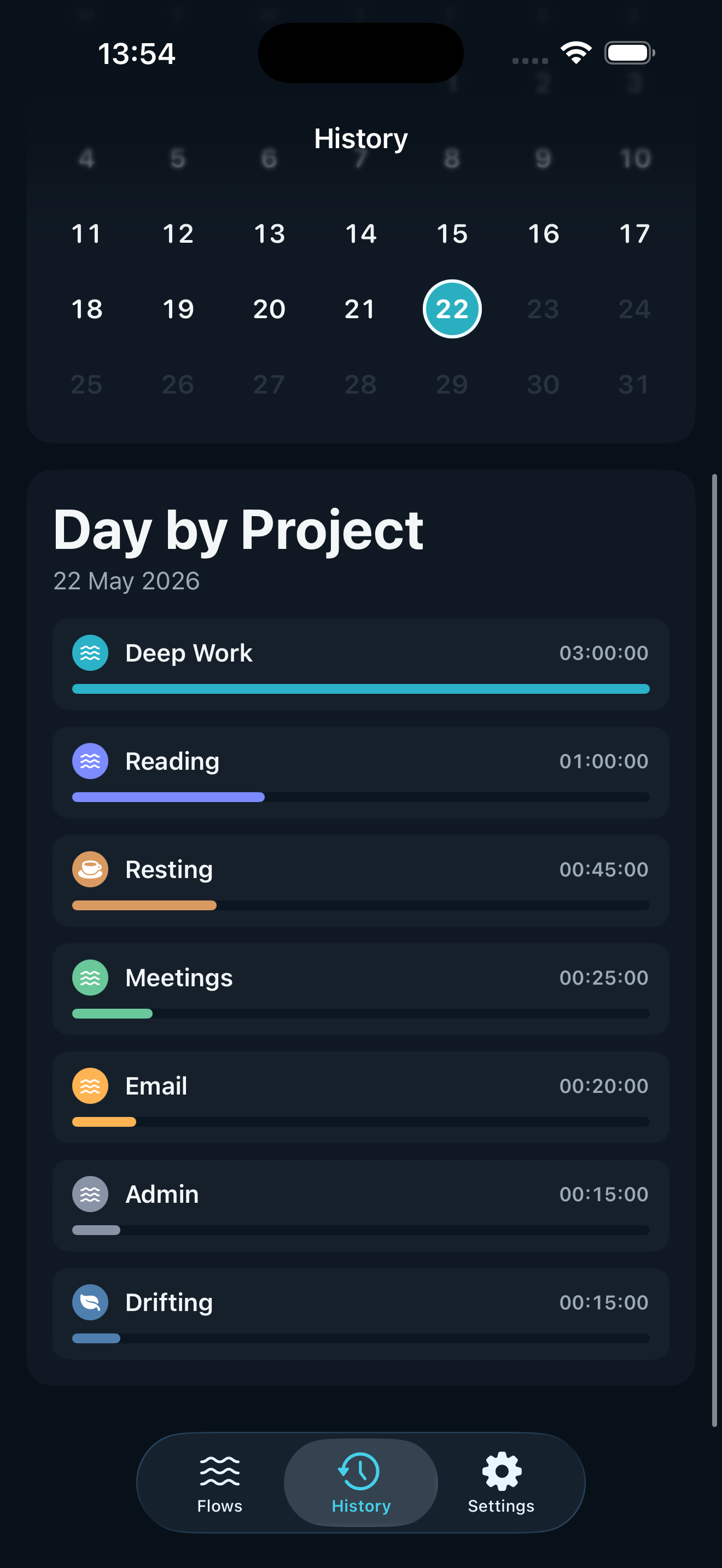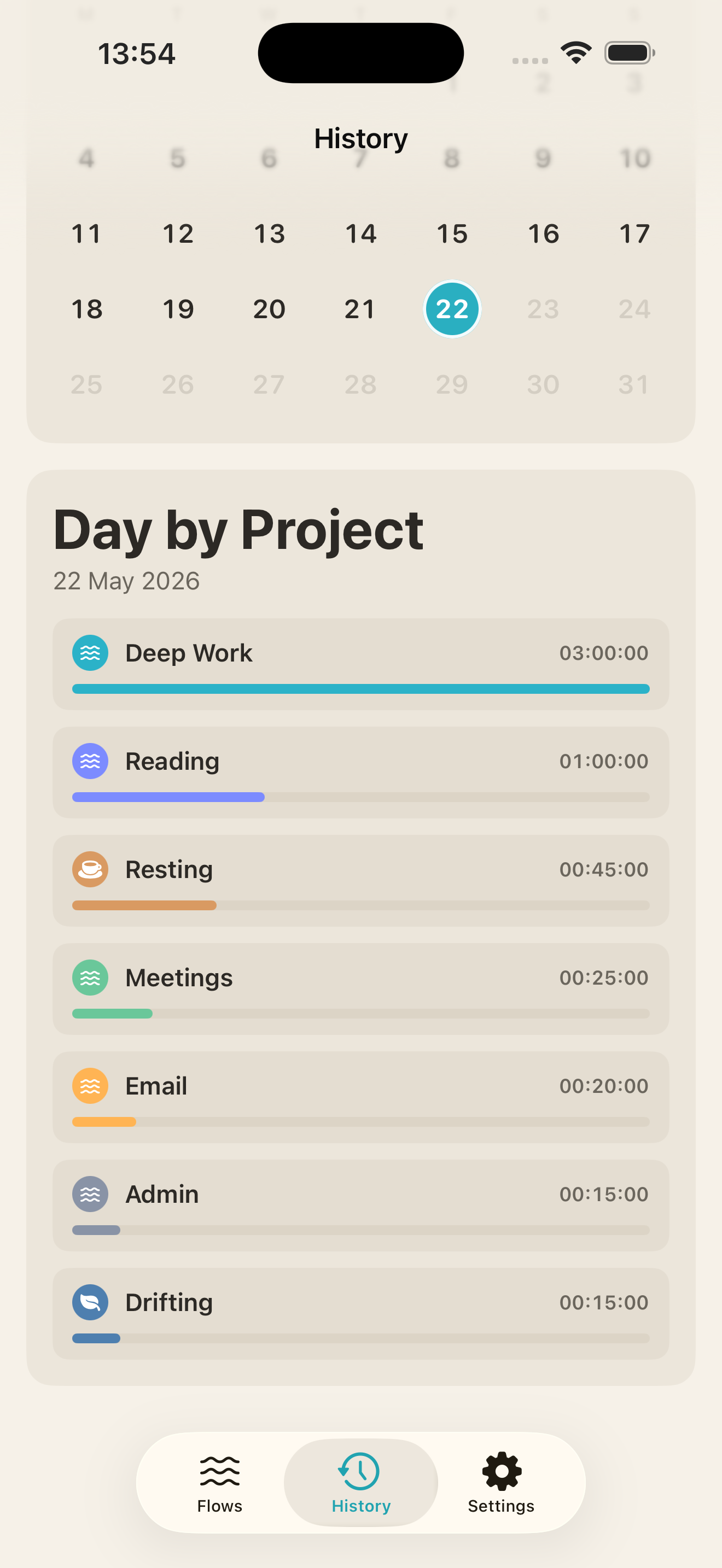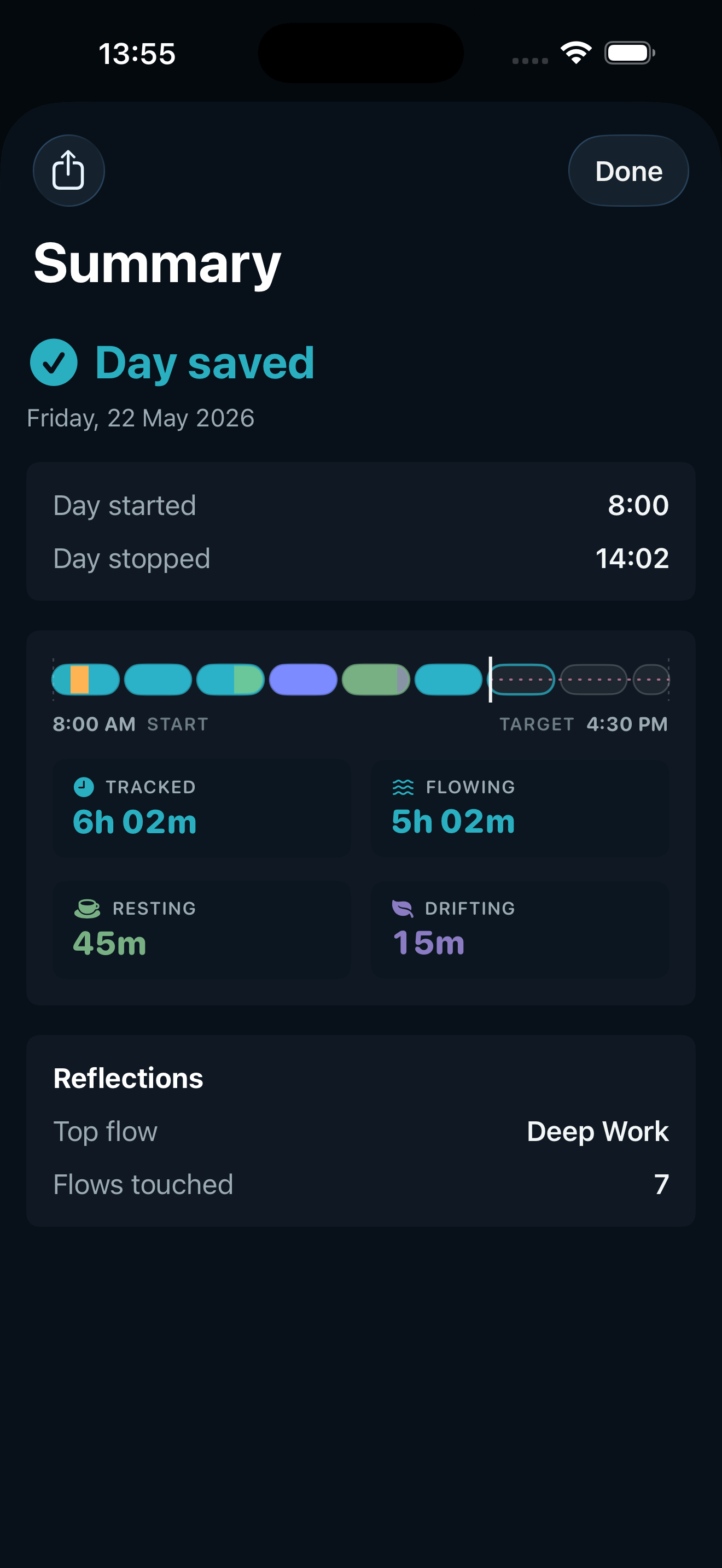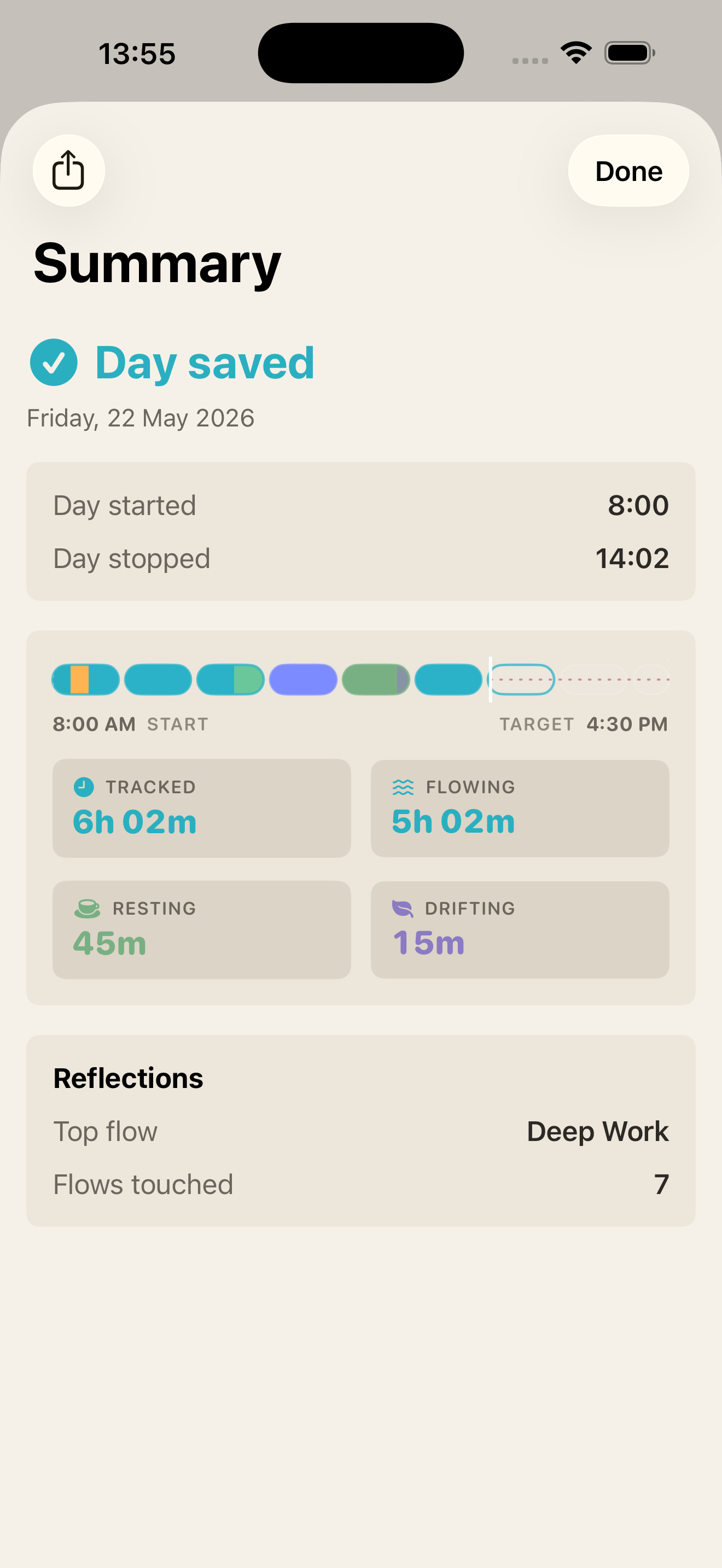
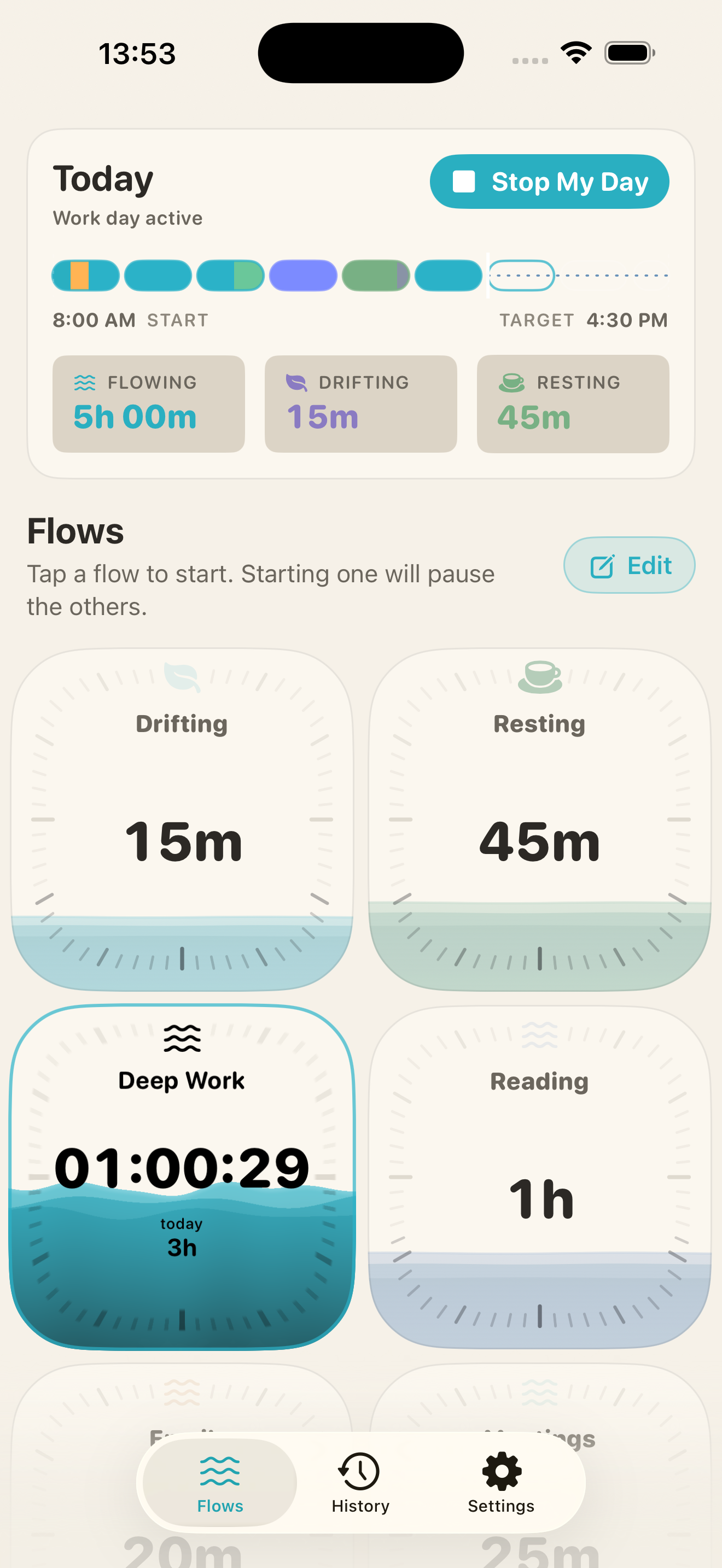
The work day
Meetings, focus, admin, breaks.
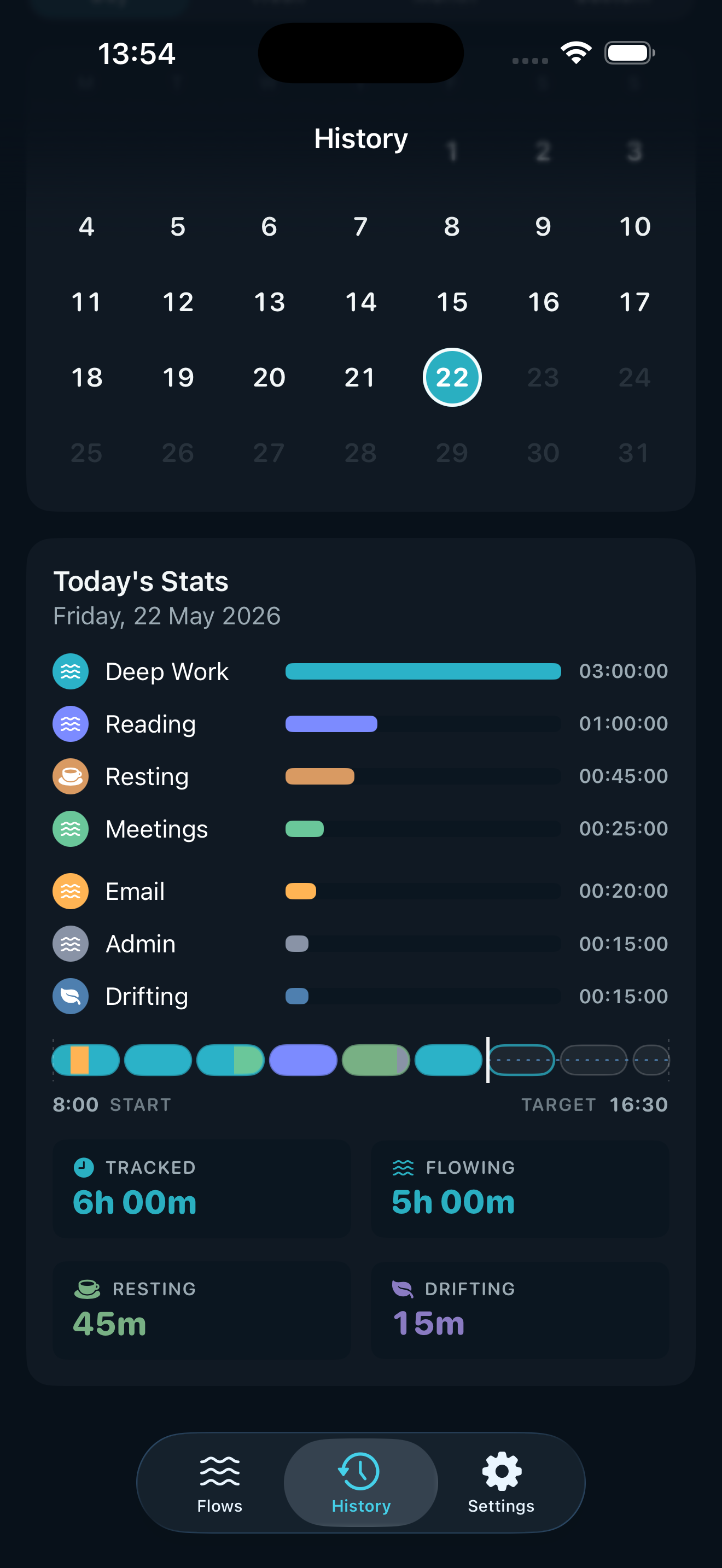
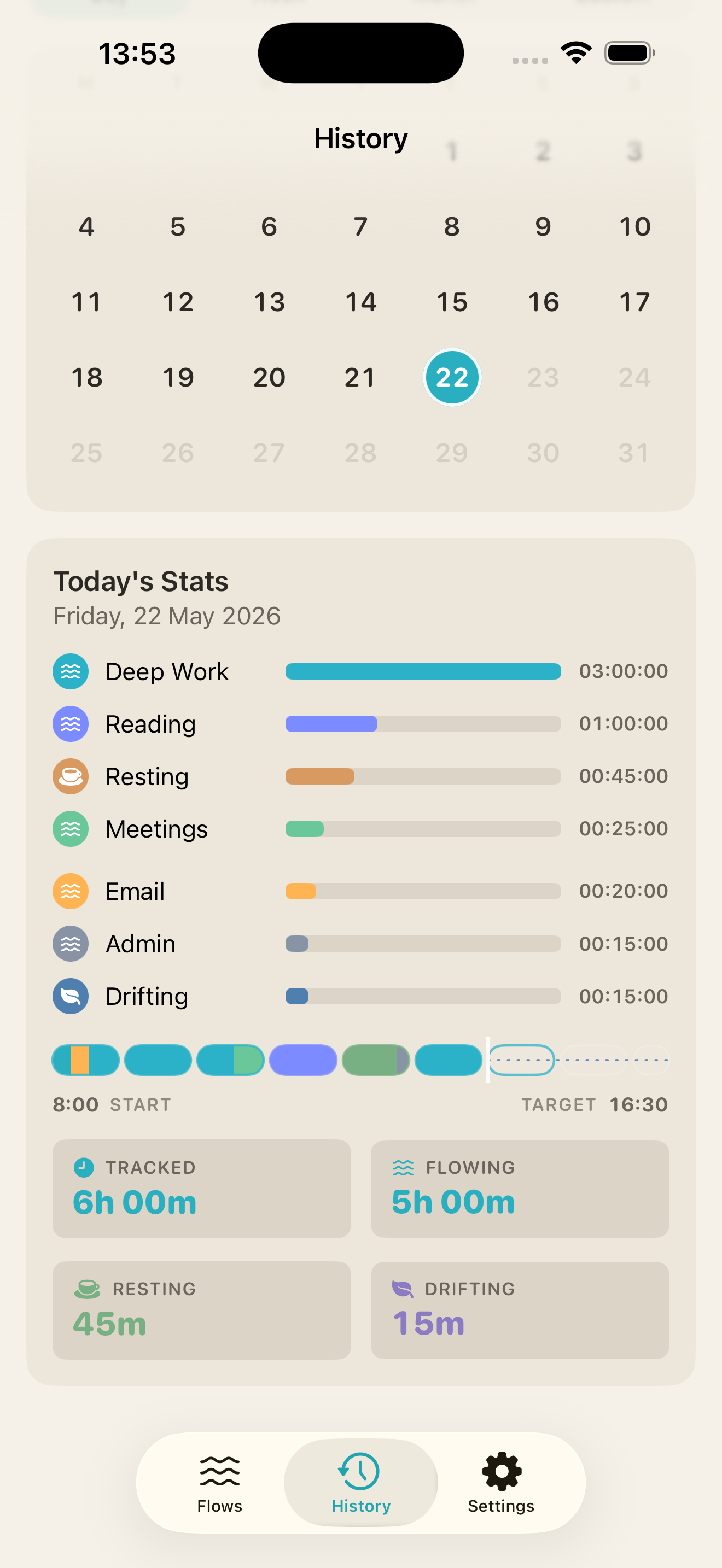
Switch from a standup to deep work to inbox triage with one tap. See where the day actually went, not where you planned it to go.
A calm, ambient time tracker for minds that wander, switch, and circle back. One flow at a time. The rest rest.

Free on the App Store. No account needed.
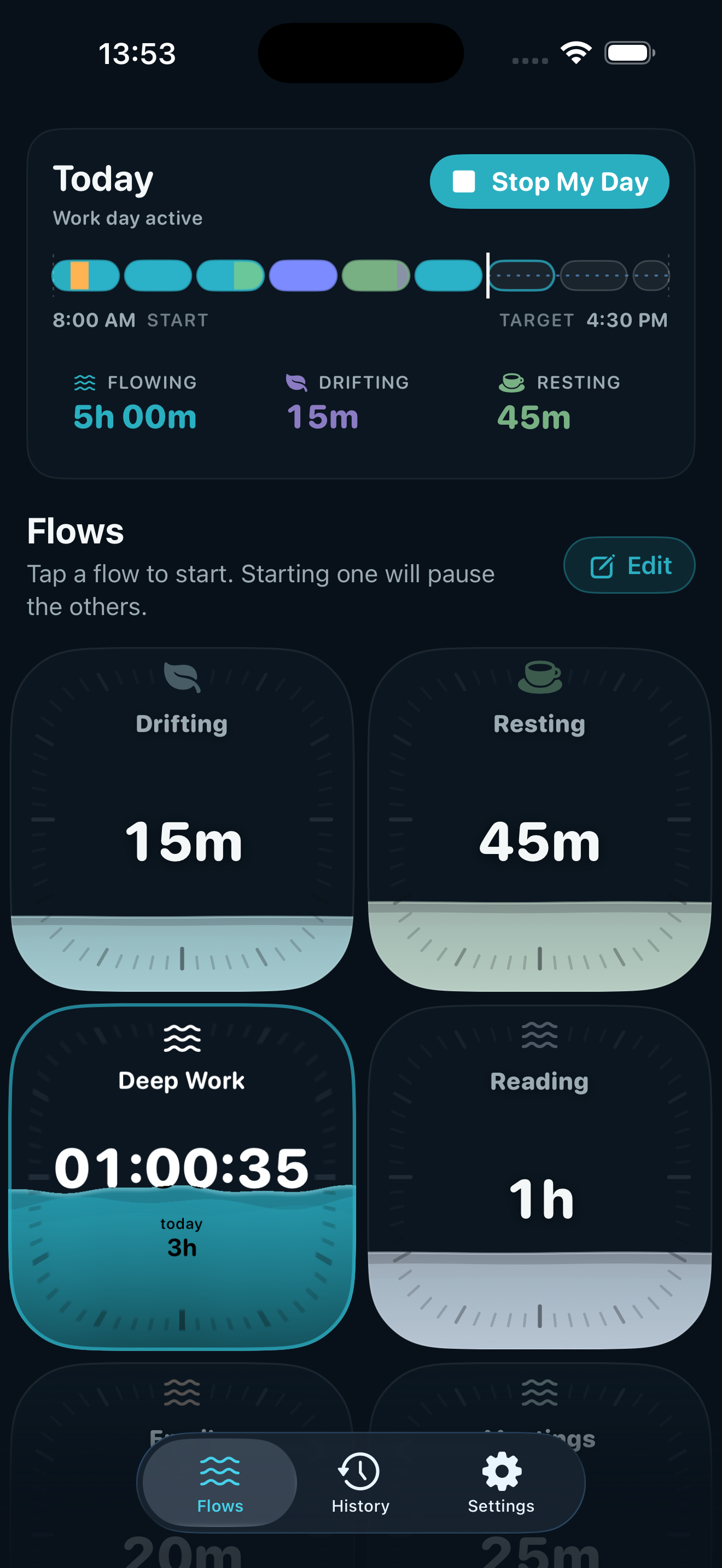
The philosophy
Your attention moves one thing at a time. Flows shows where it goes — plainly, and without judging the parts that wander. It's free to use: as many flows as your day needs, and Drifting for everything else.
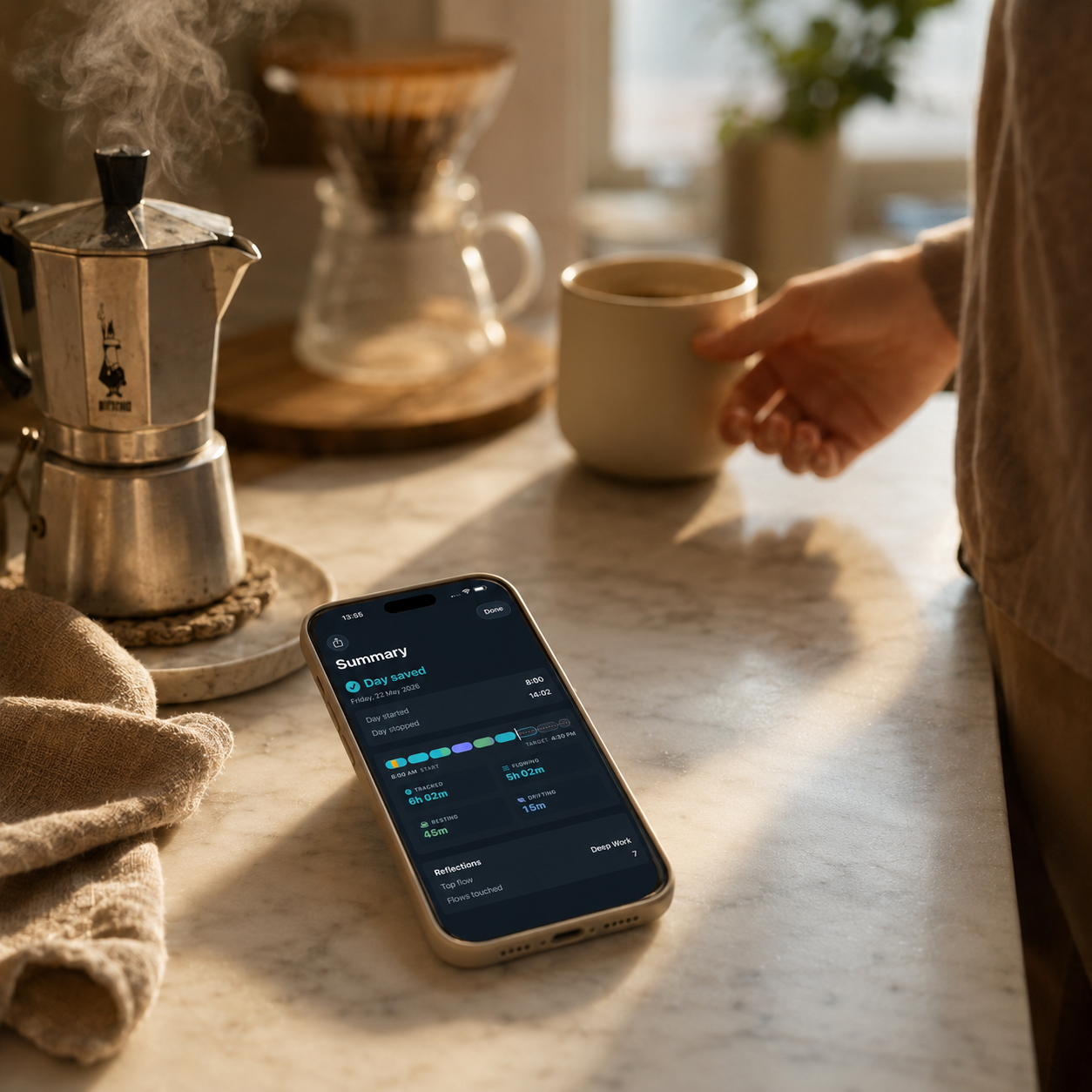
Open Flows and tap Start My Day. The clock starts and your time has somewhere to land.
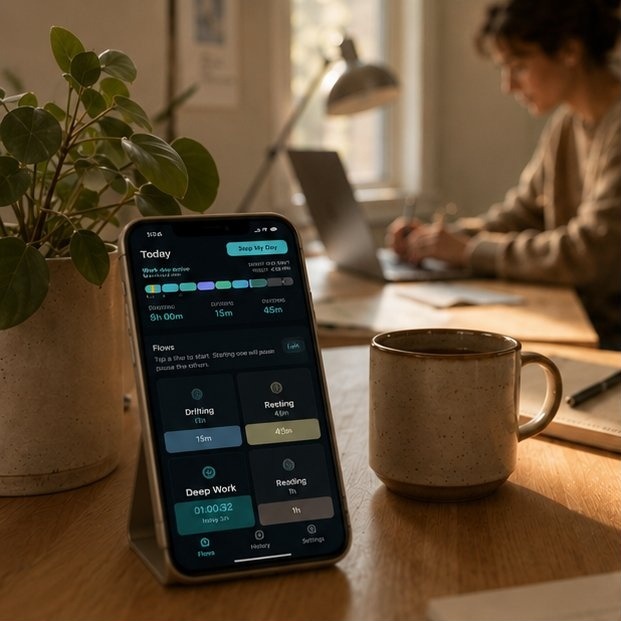
Tap a flow to track it. The dial fills as time passes — one flow at a time.
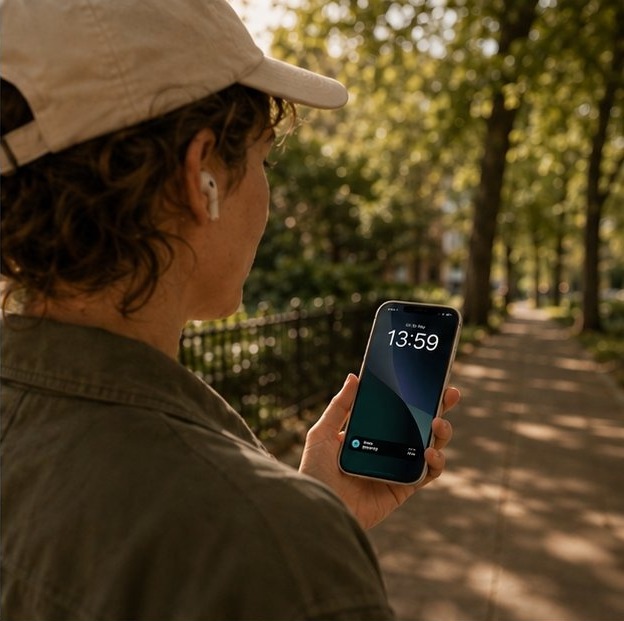
After ninety minutes, Flows suggests a break — a nudge, never a command. Tap Break and your day keeps running.
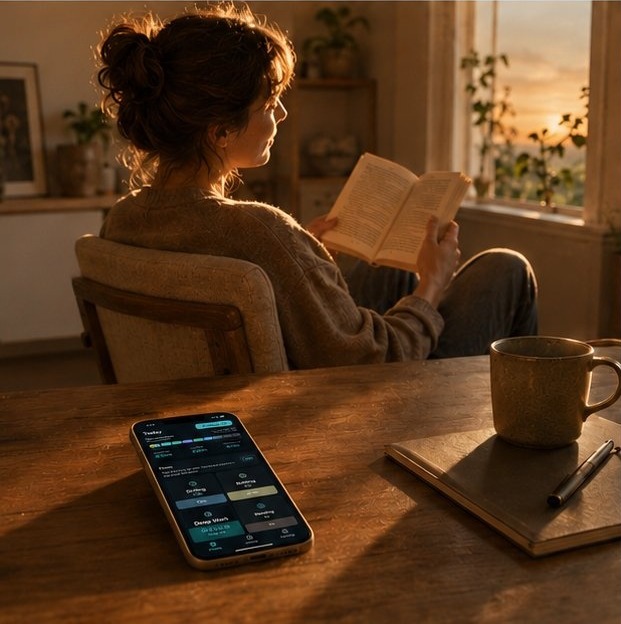
Untracked time becomes Drift: not lost, not idle, not a failure. It still counts.
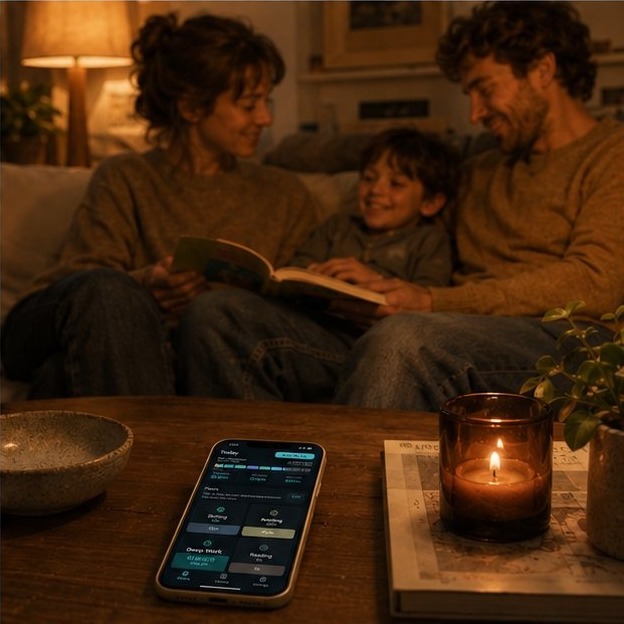
Tap Stop My Day. Your hours are saved to history. Tomorrow starts fresh — no streak to break.
EVERY MOMENT COUNTS — EVEN THE ONES YOU DIDN'T PLAN.
The mechanic
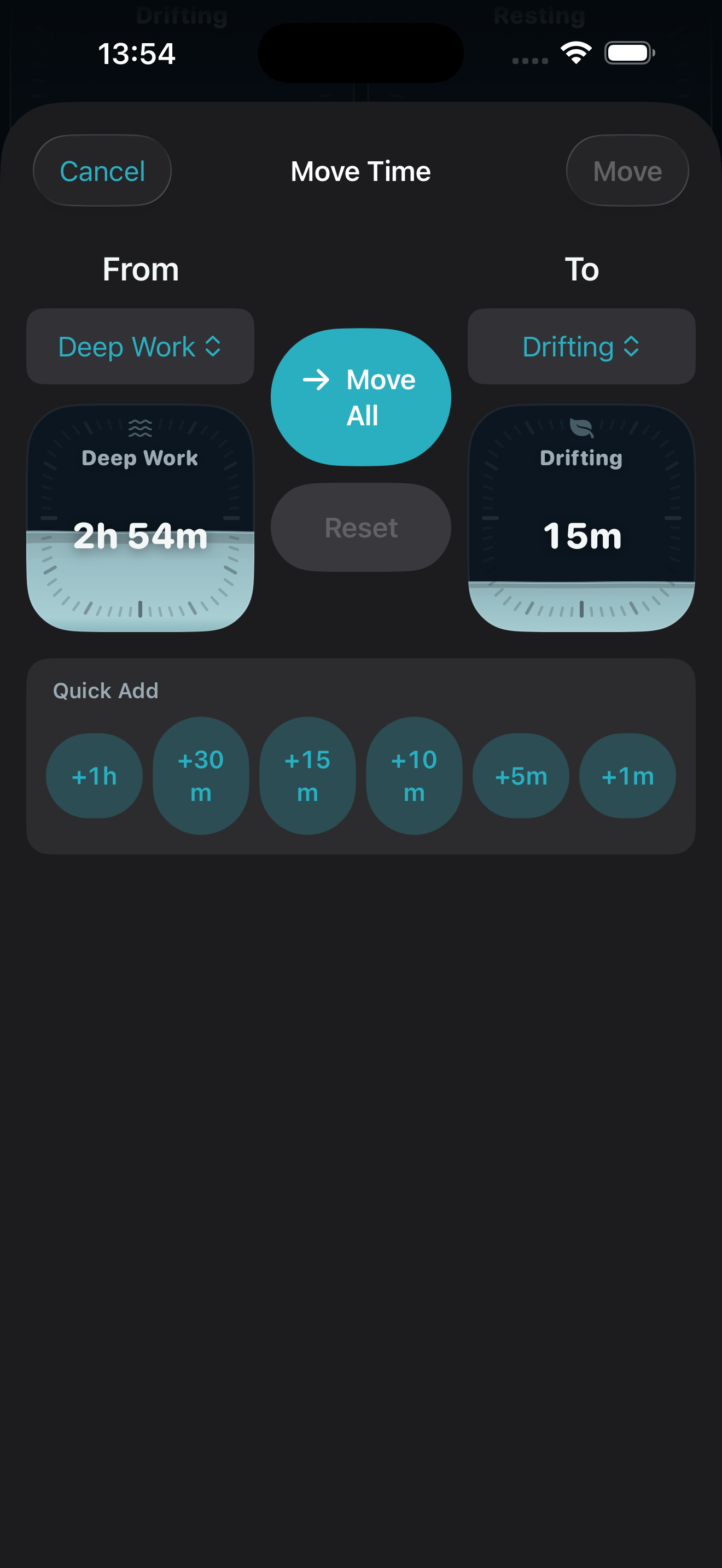
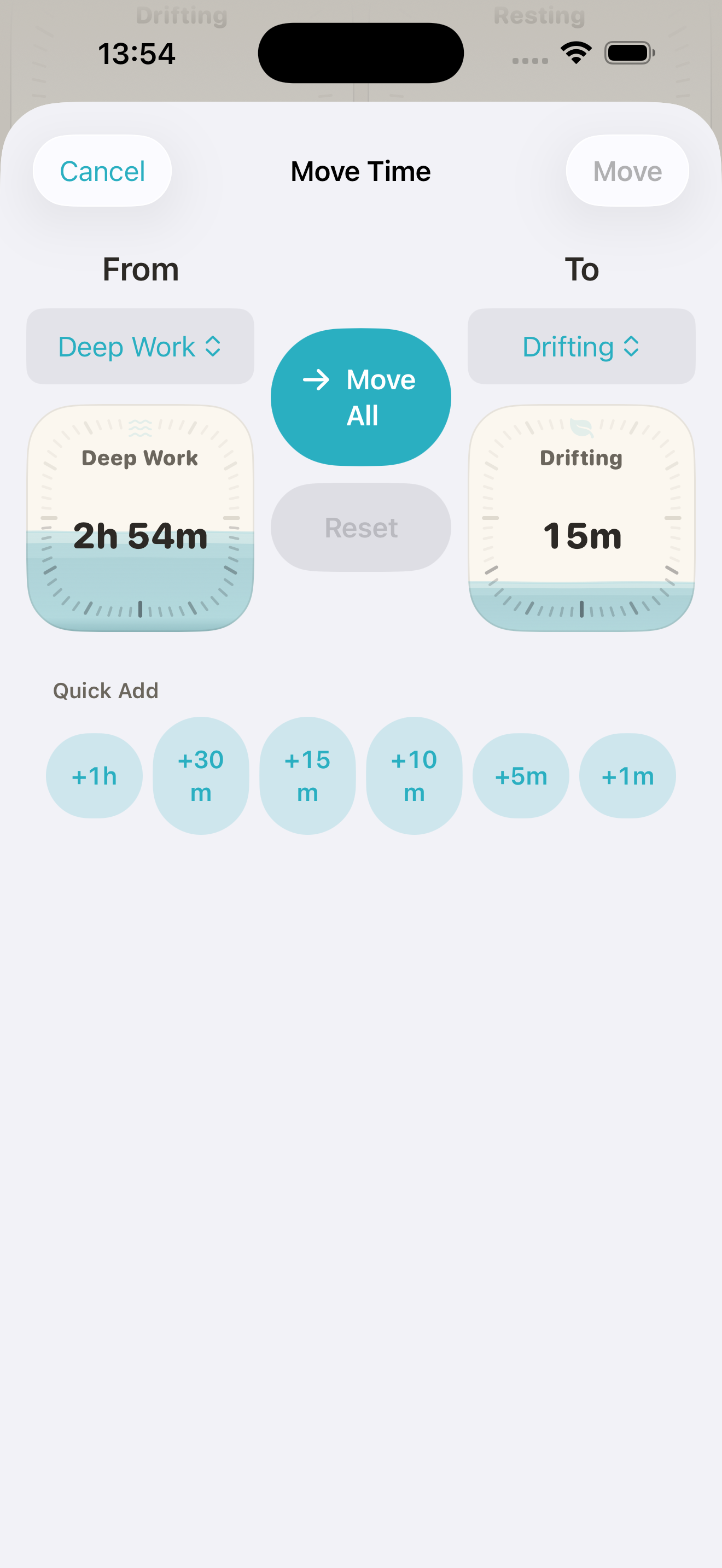
Your time only ever moves in one direction. Tap another flow and the seconds switch with it. The old one stops, the new one starts, no buttons in between.
Tap a flow to switch · tap the running one to return to Drift
Who it's for
Flows fits whatever you do with your time. A few examples.
The work day
Switch from a standup to deep work to inbox triage with one tap. See where the day actually went, not where you planned it to go.
The study day
Track time across subjects or modes of work. Notice when reading quietly outweighs active practice, or when one paper ate the afternoon.
The whole day
For days that don't separate into work and not-work. One flow per mode. The shape of the day emerges as you live it.
As many flows as your day needs, free forever. When you want to look back over weeks and months, Flows+ keeps your full history.
Always visible
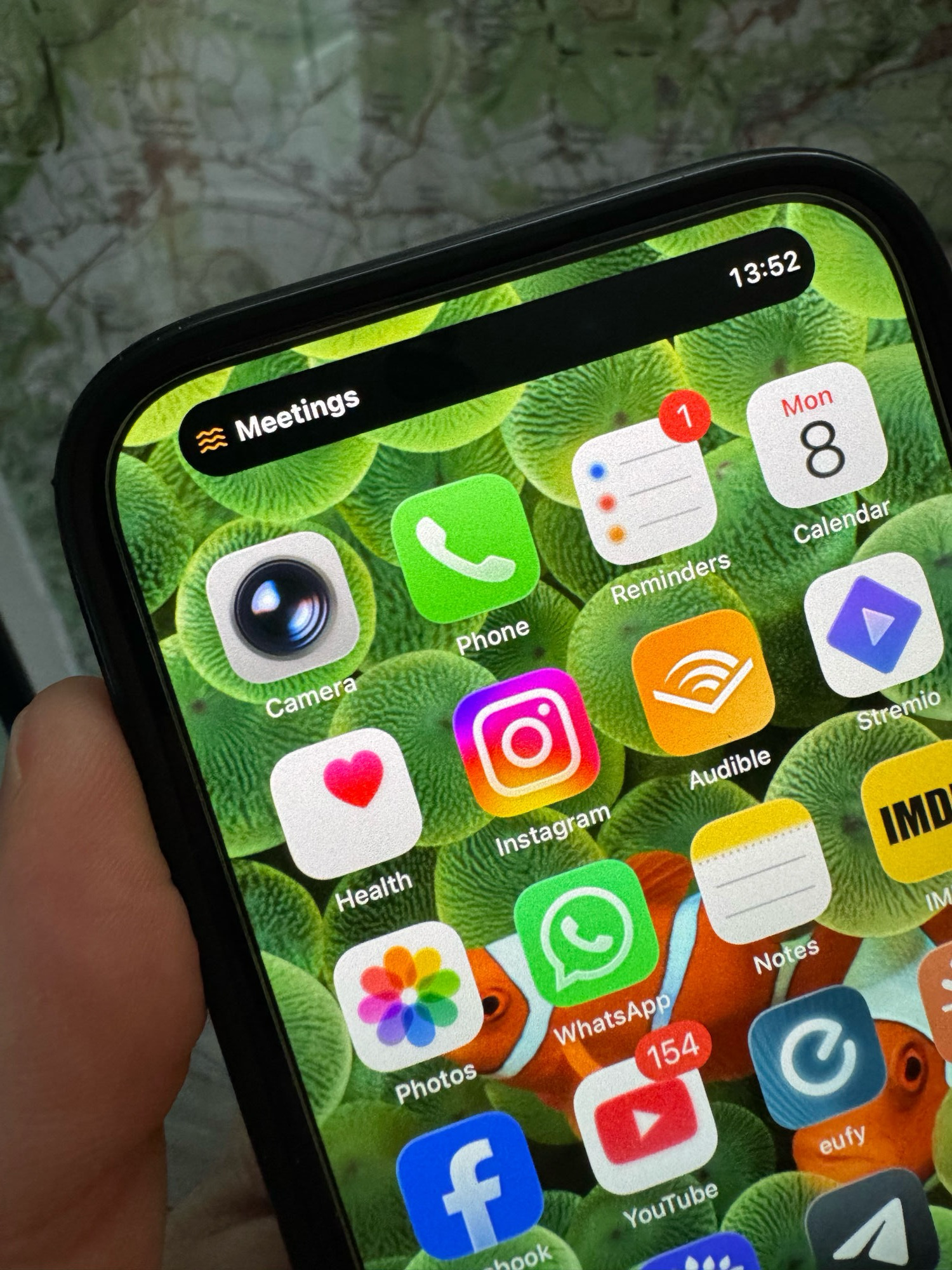
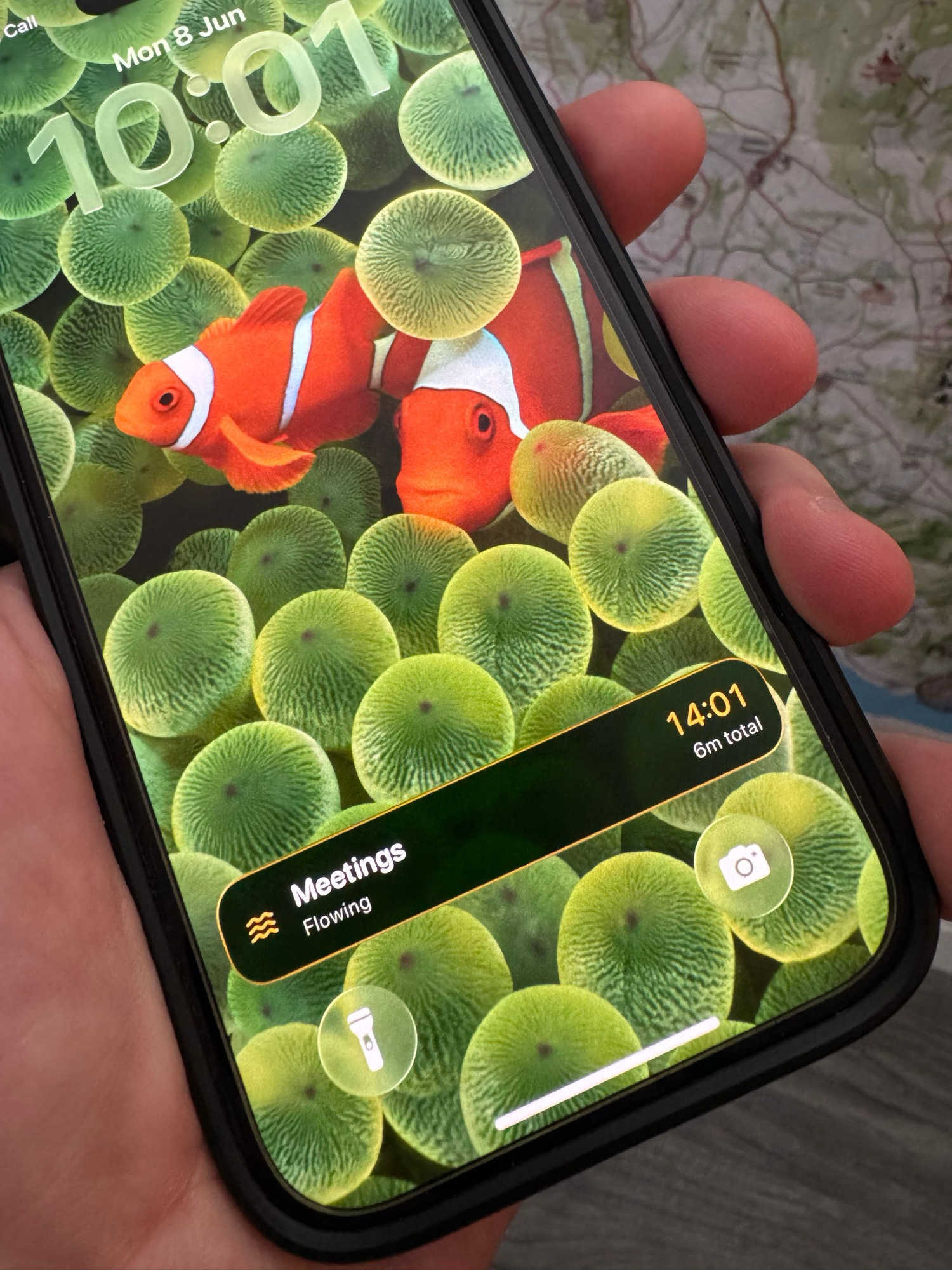
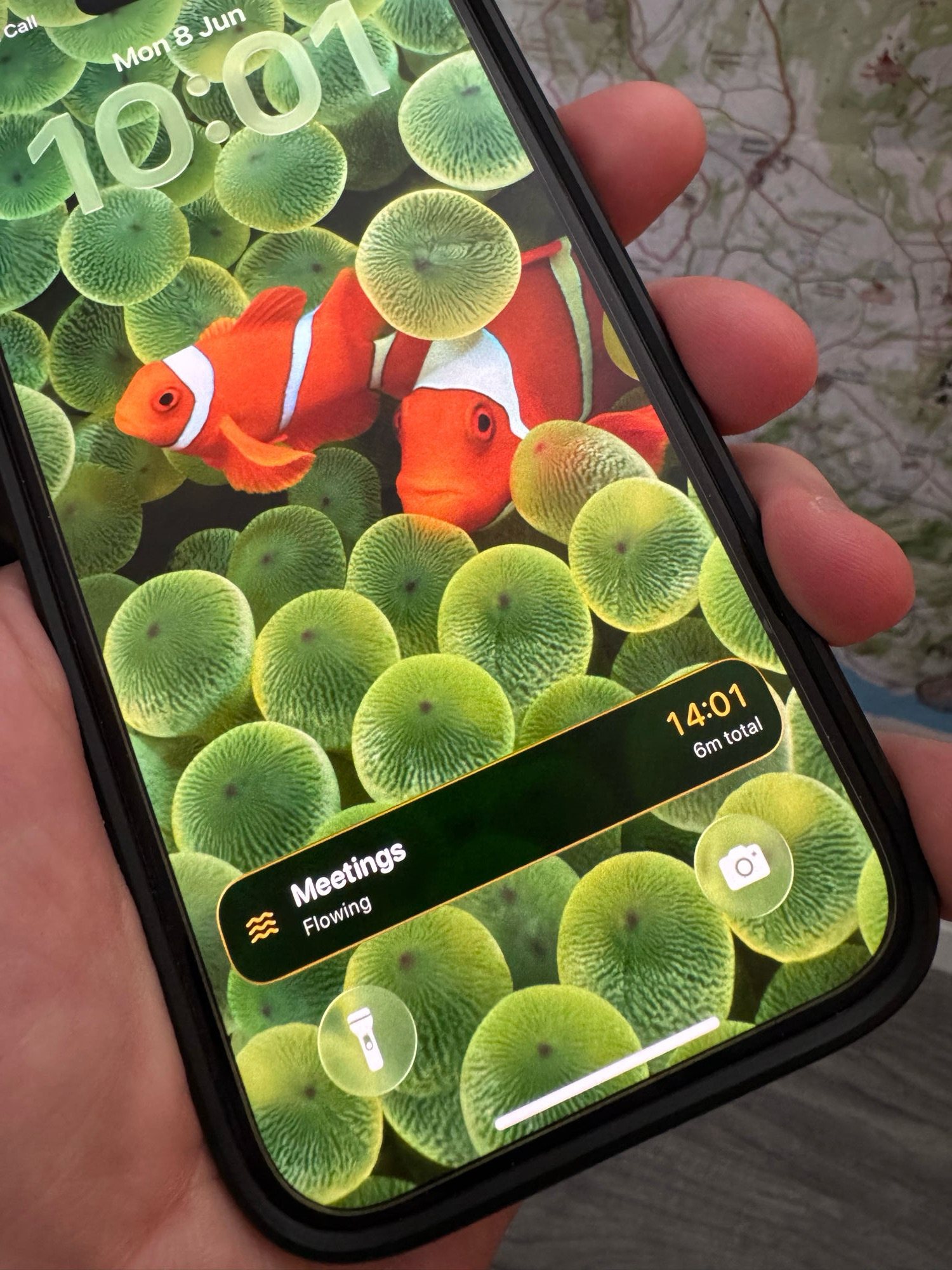
Flows lives where you already look. The active flow shows in the Dynamic Island, on the Lock Screen, and in a glance from anywhere on your phone. No need to open the app to know where you are.
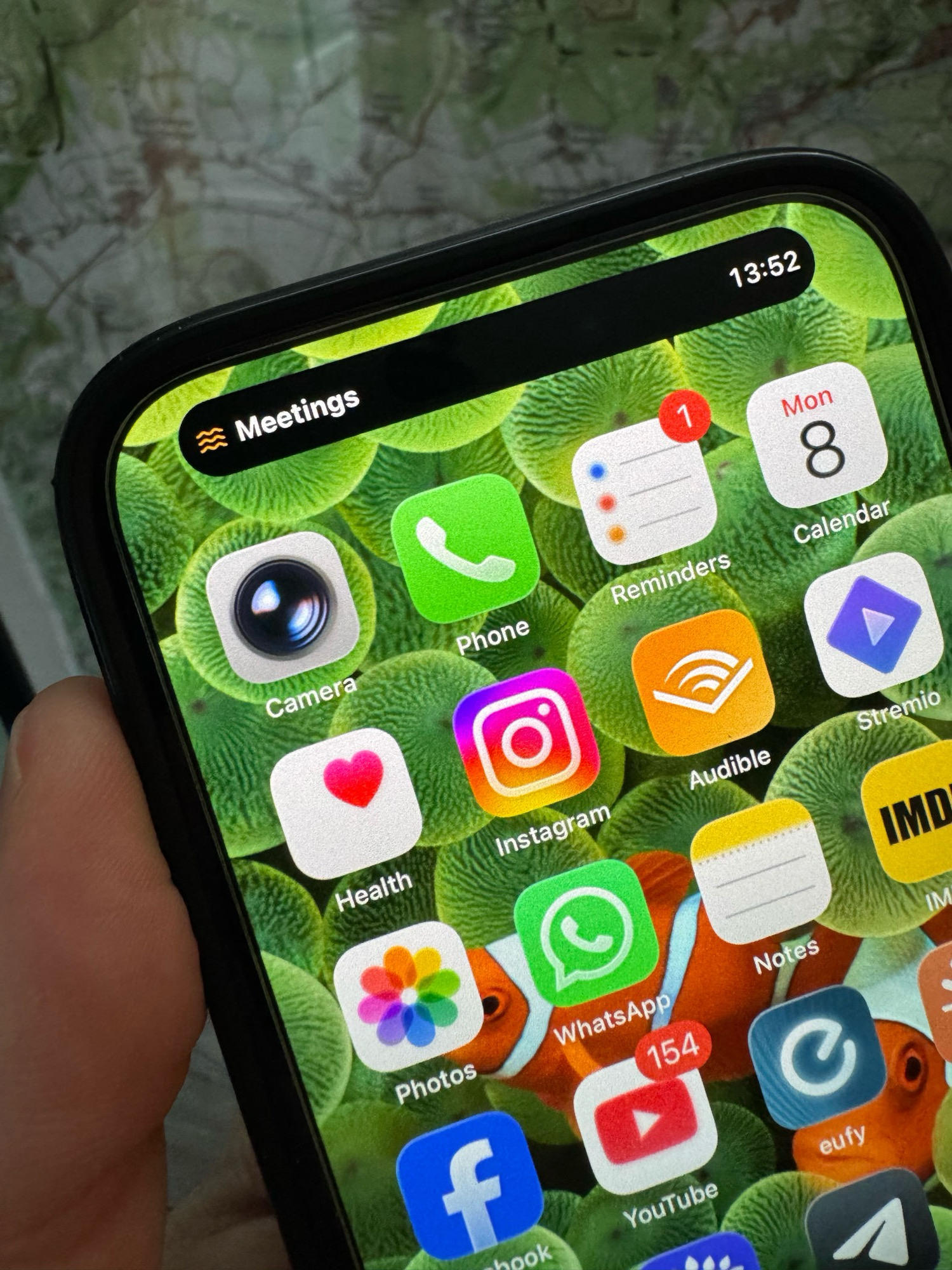
Flows stores your day on your phone. No account to create, no cloud watching you work, no analytics collecting your habits. iCloud sync is optional, and uses Apple's private database, so only your devices can read it. Your time is yours.
No streaks. No badges. No leaderboards. Flows doesn't reward you for showing up or shame you for missing a day. There's nothing to maintain, nothing to lose, nothing to win. Just your day, honestly seen.
What's inside
Flows is free, with no account and no time limit: unlimited flows, a guided Describe Your Day setup, starter flow sets, day summaries, and your most recent 7 days of history. Rename your flows to fit your day — Deep Work and Breaks, Study and Resting, Coding and Walking. That's a whole, honest day, tracked. Flows+ keeps your full history and adds CSV export. No ads, no tracking, either way. Pricing varies by region; the App Store shows your local price.
Free forever
Flows is free to use for as long as you like. Create as many flows as your day needs, set them up in seconds with Describe Your Day or a starter set, see your most recent 7 days of history, and close each day with a summary.
Name your flows however your day works, with Drifting for everything you didn't claim. No account, nothing stored off your phone, nothing to cancel. For most days, that's the whole app — free.
Flows+
The free app remembers your recent week. Flows+ keeps your whole history and lets you take it with you.
Flows+ is a subscription, or a one-time Lifetime purchase — no trial, no commitment. Your free flows stay exactly as they were.
| Free forever | Flows+ | |
|---|---|---|
| Drifting | ✓ | ✓ |
| Unlimited flows | ✓ | ✓ |
| Describe Your Day | ✓ | ✓ |
| Starter flow sets | ✓ | ✓ |
| Day summaries | ✓ | ✓ |
| Rename your flows | ✓ | ✓ |
| One-tap switching · dials · move time | ✓ | ✓ |
| On-device, no account | ✓ | ✓ |
| History | Last 7 days | Full history |
| Export to CSV | — | ✓ |
Everything in the free column stays free — no account, no trial, no expiry.
Free · Describe Your Day
Instead of building flows by hand, describe a typical day in your own words — “mornings are deep work, afternoons are meetings and admin, evenings are reading” — and Flows turns it into a set of flows ready to track.
Describe Your Day is free. Prefer to build your flows by hand? Rename them yourself — quick, and yours. Either way, it's part of the free app.
Flows is built by Paul, a product and AI leader with two decades in the industry, and his 15-year-old son Joshua, the developer on the team, studying for his GCSEs alongside the work. No VC, no growth team, no roadmap meetings. Two people who use the app themselves, building it with care around school and life.
Flows is out now on the App Store. Free to use, no account — start tracking your day in seconds.
iPhone, iPad & Apple Watch · iOS 17+ · Flows+ adds more.