 flows
flows
At a glance
About Flows
Most time trackers are built for billing. They assume you already know what you're doing, that the work is divided cleanly into projects and tasks, and that any time you didn't log is time you're trying to hide. Flows is built for the rest of the day, the meetings that ran long, the afternoon that disappeared, the hour you meant to spend on email and somehow spent on Slack.
The app's core mechanic is a tap. You define flows, broad categories like Deep Work, Meetings, Resting, Admin, whatever fits how you actually spend time, and you tap one to start tracking. Tap another to switch. There are no projects, no tasks, no nested hierarchies, no Pomodoro timer trying to organise your attention for you. The app records what you did and shows it back to you.
The distinctive piece is Drifting, a built-in flow that owns any moment you haven't otherwise claimed. Most trackers treat unaccounted time as a failure state, a gap, a missed entry, something to feel guilty about. Flows treats it as a category. If you stepped away from your desk and forgot to tap, that hour is Drifting; it's tracked, it's visible, and it's not a problem. The architectural choice has an emotional consequence: you can use Flows without feeling watched.
Underneath, Flows is built on an append-only event log and a separate attribution ledger. The log records what the app observed; the ledger records what you meant. Corrections, moving time from one flow to another, reassigning a forgotten morning, splitting a session in retrospect, are never destructive. Every change is additive, and a per-segment audit trail shows you the full history of how any slice of your day came to be attributed where it is. The day you saw on Tuesday will look the same a year from now, plus any later corrections, never less.
There are no streaks. There is no productivity score. The app doesn't tell you whether your day was good or bad. It tells you where it went.
Flows is free to use, and the free tier is a genuine product rather than a demo: unlimited flows, a guided Describe Your Day setup, starter flow sets, day summaries, and the most recent 7 days of history, with everything renameable. Flows+ is an optional subscription that keeps your full history and adds CSV export.
Quotes
Most time trackers are billing tools wearing self-improvement clothes. They want you to feel bad about untracked minutes. Flows starts from the opposite premise: your time is going somewhere whether you watch it or not, and the app's job is to show you, honestly.Paul, founder
Drifting is the feature people don't expect. It's a real, first-class flow that owns any time you didn't claim. The moment you stop pretending untracked time doesn't exist, the whole experience changes, you can put the phone down and the app doesn't punish you for it.Paul, founder
Flows is for anyone who's ever looked up at six in the evening and genuinely wondered what they spent the day on. It's a mirror, not a manager.Paul, founder
Features
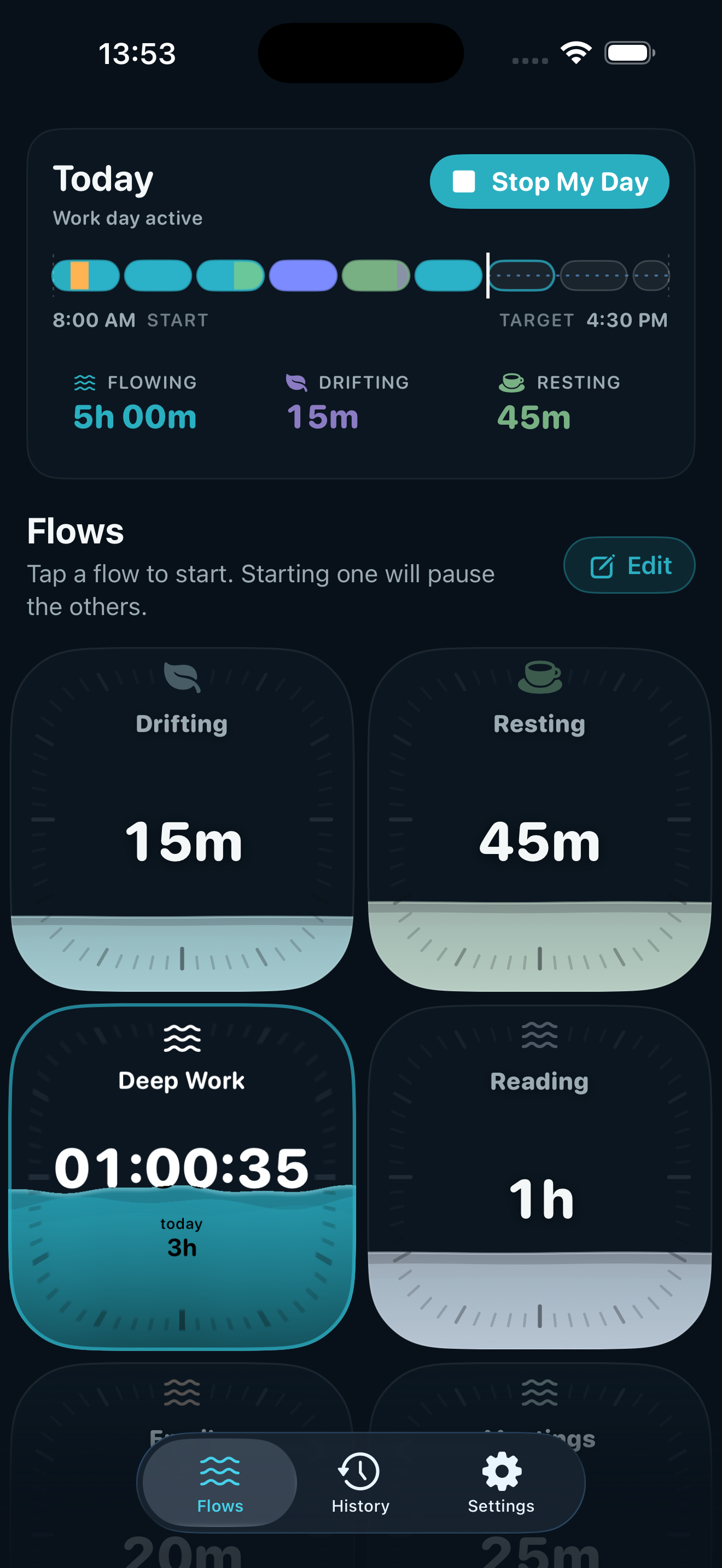
- One-tap tracking. Tap a flow card to start tracking. Tap another to switch. No setup per session, no project pickers, no descriptions to fill in.
- Drifting. A built-in flow that owns any time you haven't otherwise claimed. Always present, never empty, never deletable.
- The day-bar. A coloured ribbon at the top of the screen showing every minute of your day in the flow it belongs to. The whole day, visible at once.
- Move time between flows. Long-press a flow card to reassign time after the fact, useful when you forgot to switch, or realised at lunch that you've been calling the wrong thing "deep work."
- Per-segment audit trail. Long-press any segment of the day-bar to see its full reattribution history. Every change is recorded; nothing is silently overwritten.
- Bridges. If you stop the day at six, then come back at eight, Flows asks what to do with the gap. One tap to assign it to a flow, or leave it as Drifting.
- Sub-minute correction window. A short grace period after tapping a flow, if you tapped the wrong card, the next tap replaces it without leaving a trace.
- No streaks. Tomorrow is a fresh day. There is nothing to break.
- iCloud sync across your devices. Your flows and history sync through your own iCloud account using CloudKit, so iPhone, iPad, and Apple Watch stay in step. There's no Flows server; only your devices can read it.
What Flows is not
Worth saying plainly, since it places the app in its category:
- Not a productivity scoreboard. Flows doesn't grade your day.
- Not a focus-shaming app. It doesn't tell you to put your phone down or lock you out of anything.
- Not a project-billing tool. There are no clients, invoices, hourly rates, or task hierarchies.
- Not an automatic tracker. Flows doesn't watch your screen, monitor app usage, or infer activity. You tell it what you're doing.
FAQ
What's free, and what's Flows+?
Flows is genuinely free to use: you get Drifting, unlimited flows, a guided Describe Your Day setup, starter flow sets, day summaries, and the most recent 7 days of history, all renameable, with no account and nothing stored off your device. Flows+ is a subscription (or one-time Lifetime purchase) that keeps your full history and adds CSV export. The free tier isn't a demo; it's a complete way to use the app, and it stays free.
How is Flows different from existing time trackers like Toggl, Timing, or RescueTime?
Toggl and similar tools are billing-first: they assume you're tracking against projects and clients. Timing and RescueTime are automatic: they watch what you do and infer categories. Flows is neither. It's manual, but only at the level of broad categories, not tasks. The closest comparison is probably a paper journal you tap instead of write in.
Does Flows track me automatically? Does it see what apps I use?
No. Flows only records what you tap. It doesn't have screen-time permissions, doesn't watch your foreground app, and doesn't infer activity from anything other than the flow you've chosen.
What data leaves my device?
Almost nothing. Your flow data, the names, settings, and time entries, lives on your device. If you have iCloud enabled, it syncs through your own iCloud account using CloudKit, so the data still belongs to you and we have no access to it. We don't run a server. There's no third-party analytics SDK; the only analytics we receive are Apple's default, aggregated App Store Connect metrics that don't identify you. See the privacy policy for the full picture.
Why no streaks?
Streaks turn a tool into a treadmill. Once you have a streak, breaking it becomes a reason to feel bad, which is the opposite of what a tracker should produce. The first time you forget to start the day, the streak punishes you for being human. Flows is designed to be useful intermittently, track for a week, skip a week, come back without penalty.
What's Drifting?
A built-in flow that owns any moment you haven't claimed for something else. If you forget to tap, that time isn't lost or marked as a failure, it's Drifting. You can later move it to a real flow if you want, or leave it. The point is that every minute has an owner, and the owner is allowed to be "nothing in particular."
Can I correct mistakes after the fact?
Yes. Long-press a flow card to move time from one flow to another. Long-press a segment on the day-bar to see its history and reassign it. Nothing you do is destructive, every correction is recorded, and the full history of any segment is always visible.
Is there a web version? An Android version?
Not at this time. Flows is built for iPhone, iPad, and Apple Watch, and syncs through your own iCloud account. No web or Android version is planned.
Can my team see my Flows data?
No. Flows is a single-user app. There's no team view, no shared dashboards, no manager mode. If you want to share what you've tracked, you can export your data as CSV from inside the app and open it in common tools like Numbers, Excel, Google Sheets, or Notion, or import it into another time-tracking system such as Toggl or Harvest.
My company uses Toggl / Harvest / Clockify / something else for time tracking. Can I use Flows alongside it?
Yes, and a lot of people will. Flows isn't trying to replace the tracker your company makes you fill in, it's for you. The work tracker answers your employer's question ("what did you bill against which project?"). Flows answers yours ("where did my day actually go?"). The two have almost no overlap. People typically tap Flows throughout the day and fill in the work tracker once, at the end, using Flows as the source of truth for what they actually did.
Visual assets
Full-resolution files are in the press kit zip at flowsapp.io/press/flows-press-kit.zip. Individual files are linked below.
App icon
Six variants ship with Flows, following Apple's iOS 18+ icon system. Use the one that matches the surface you're publishing on.
All variants are 1024 × 1024 px PNGs. The Default and Dark variants are the brand-canonical pair; the Tinted and Clear variants are system-tinting adaptations Apple uses on the user's home screen and should be used only when the surface calls for them. Don't recolour or composite over the icons.
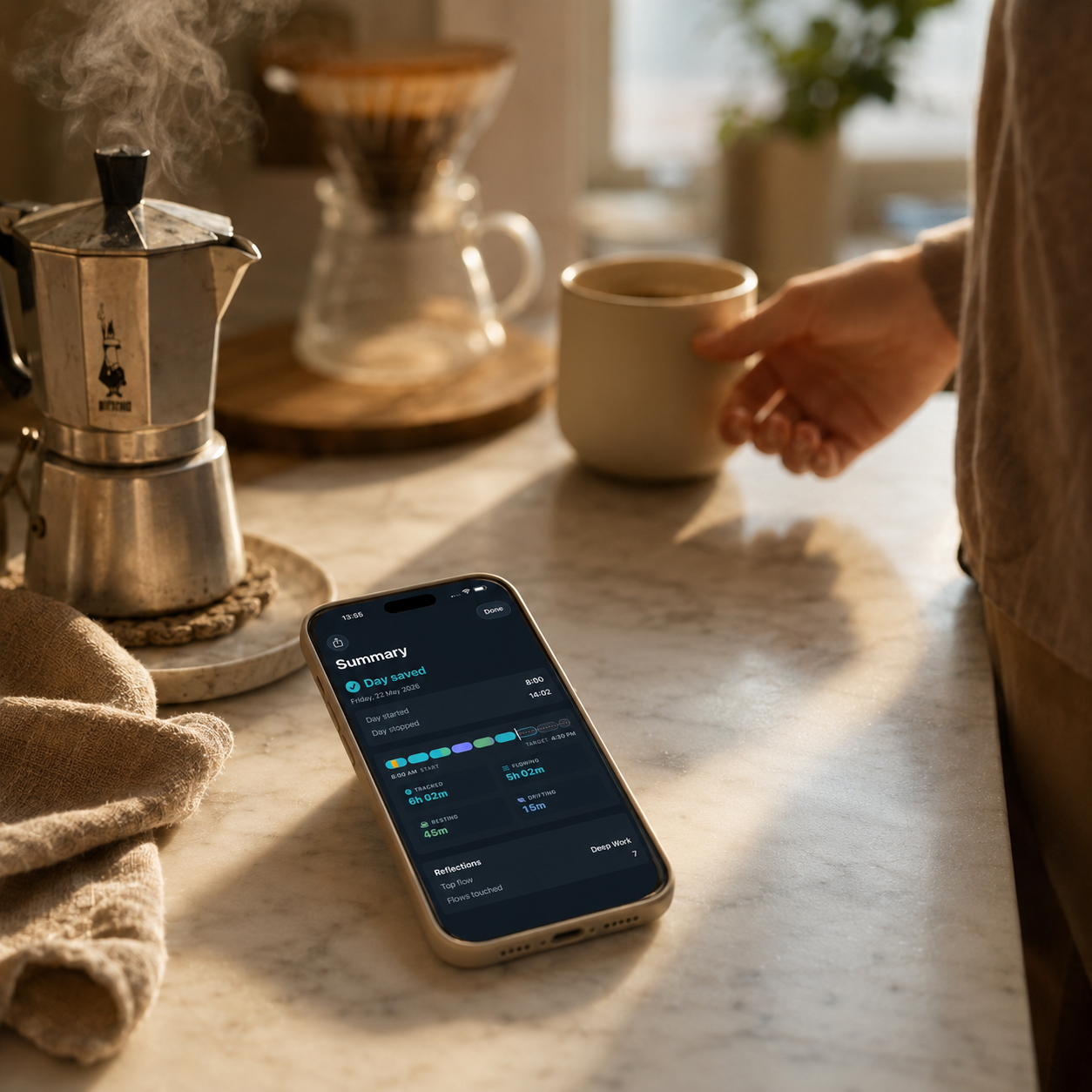
Lifestyle photography
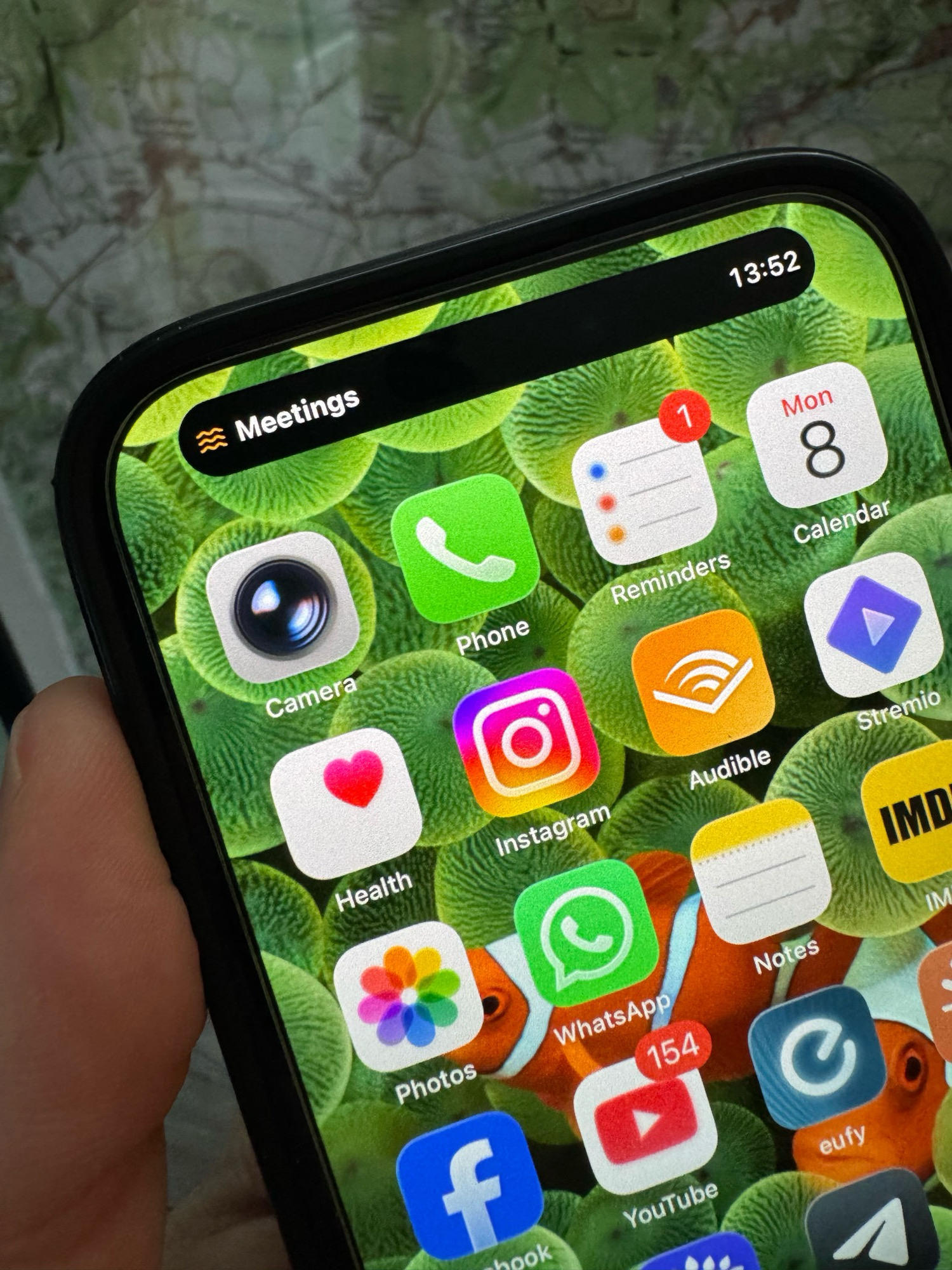
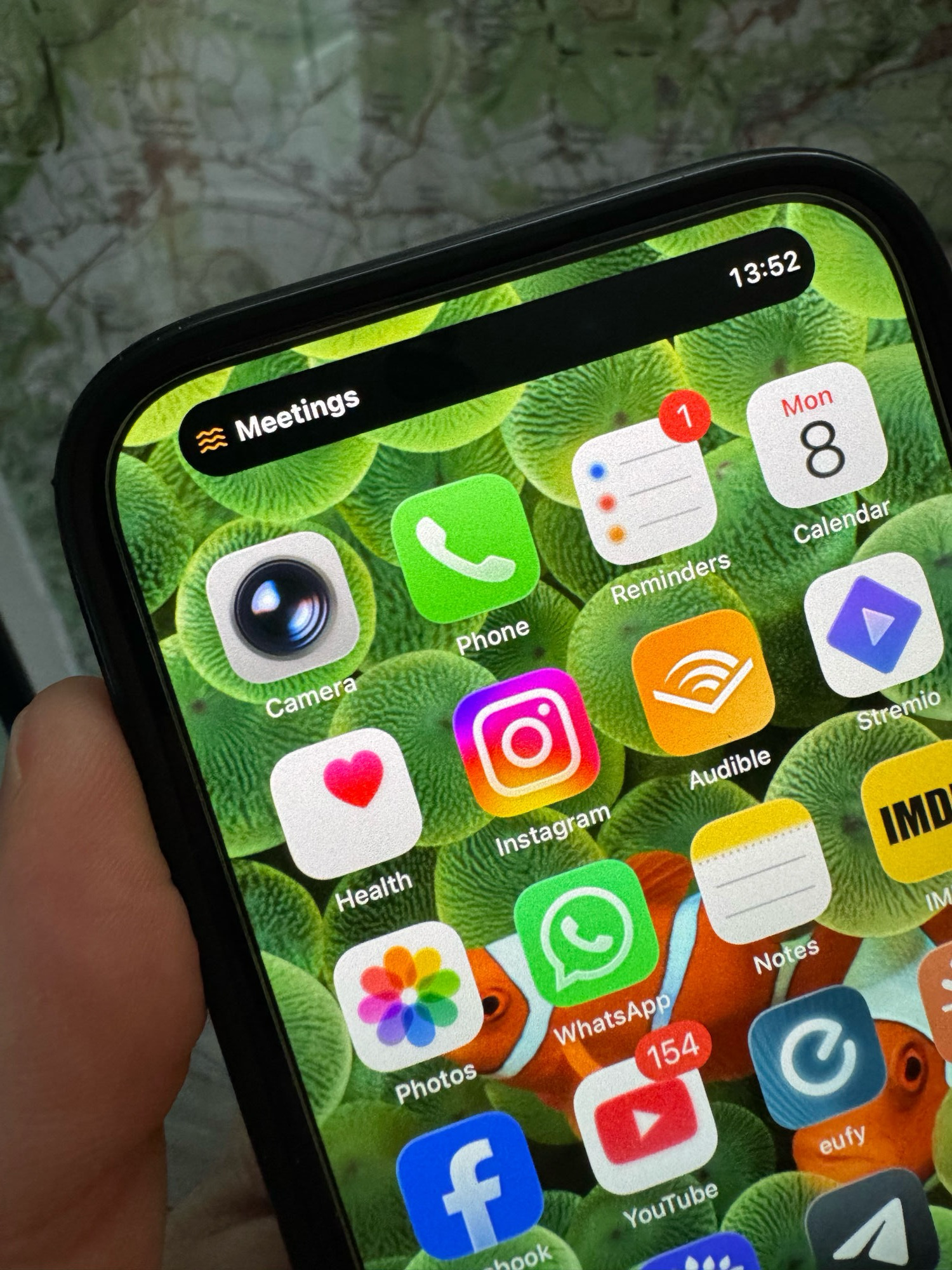
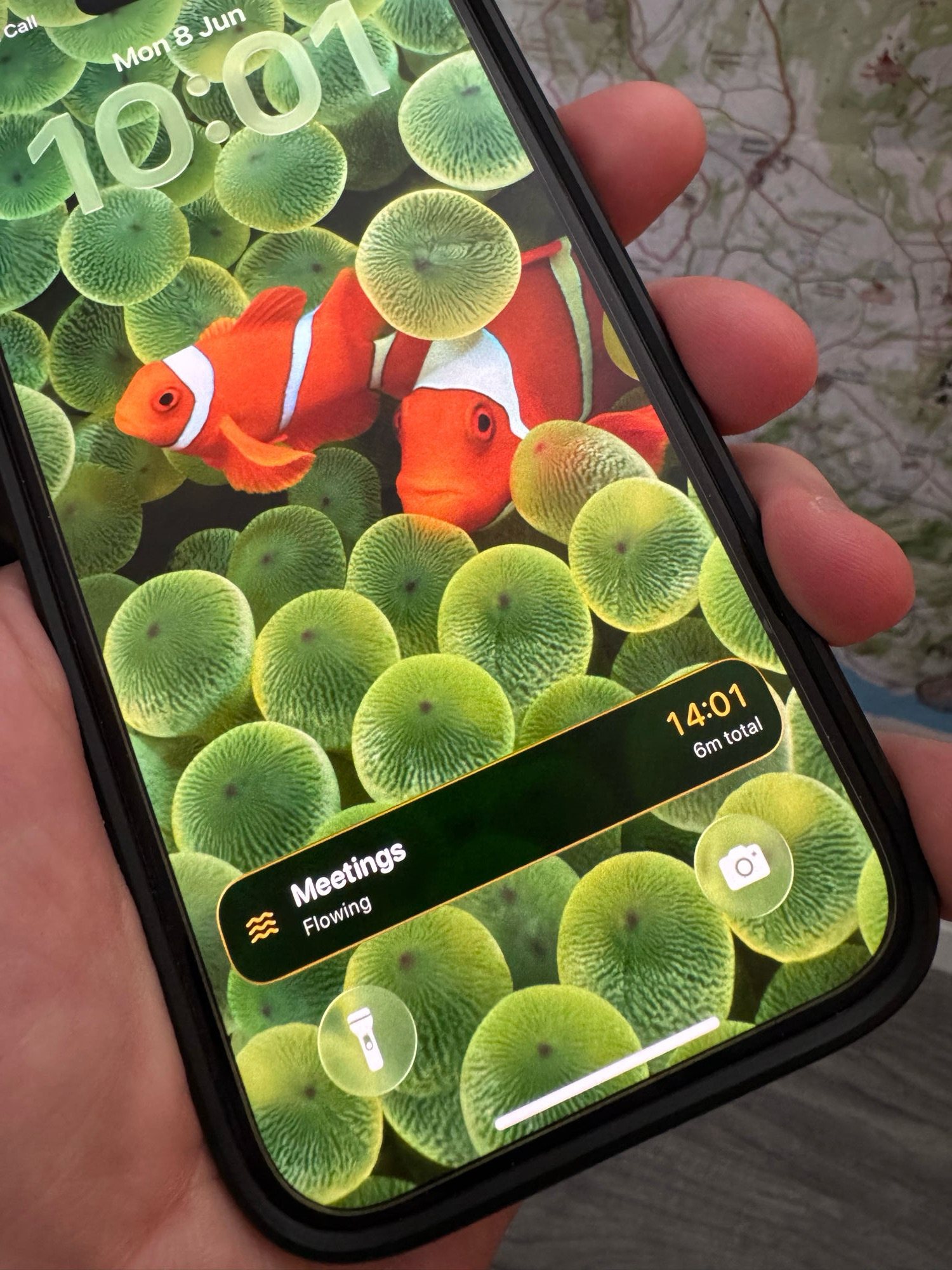
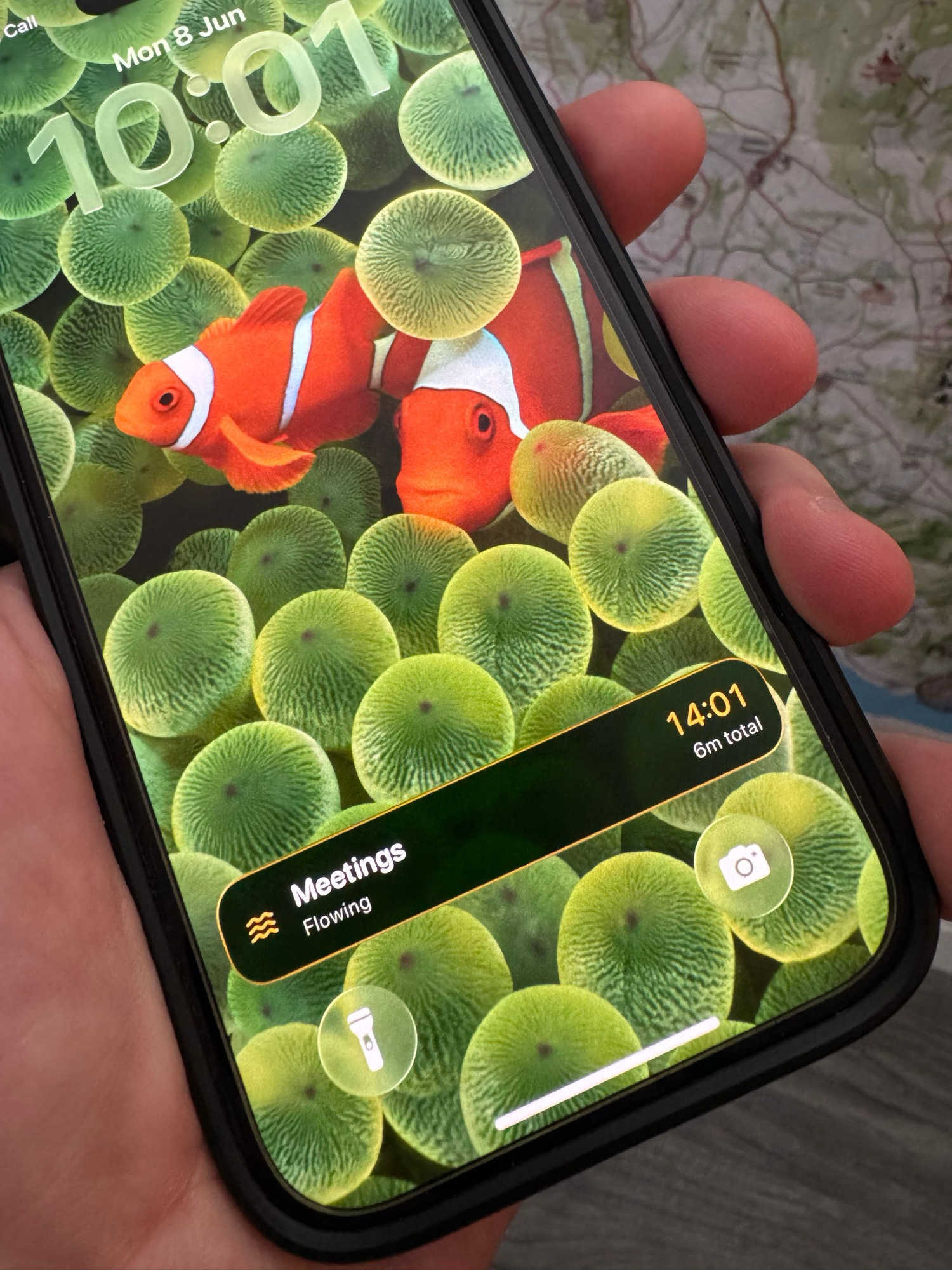
Real-life context shots showing Flows across a day. High-res JPEGs, free to use in editorial and reviews.
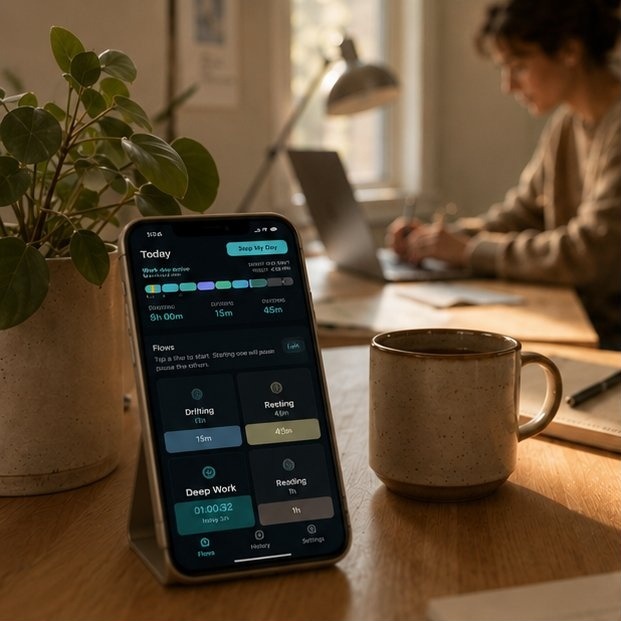
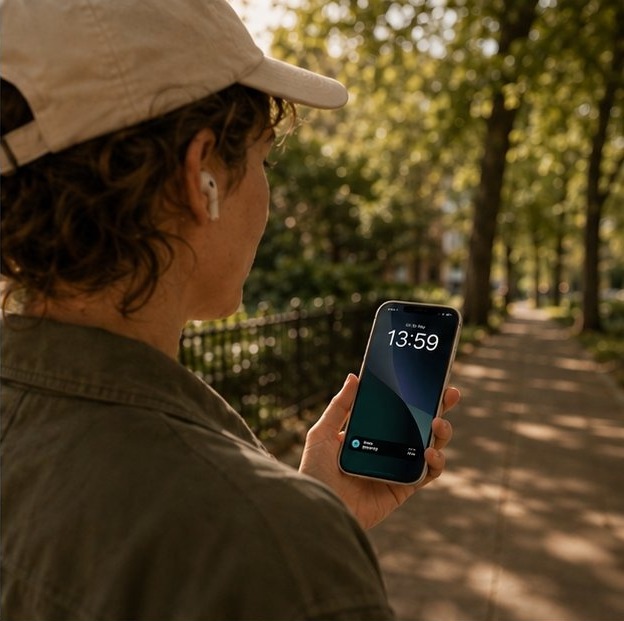
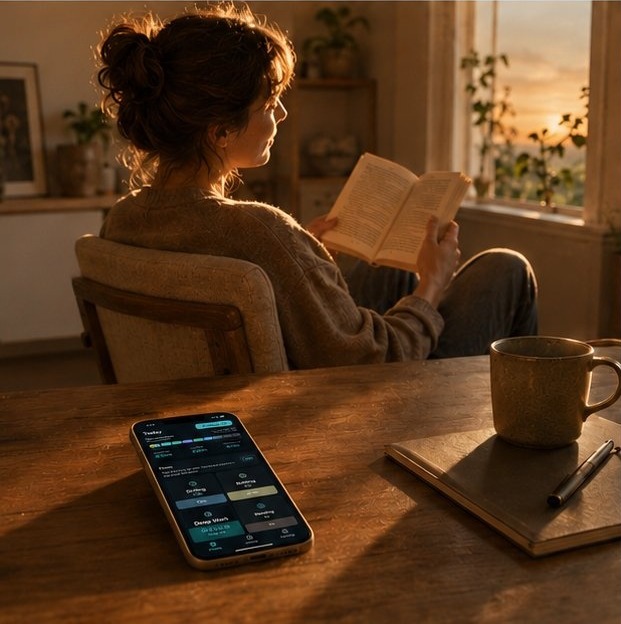
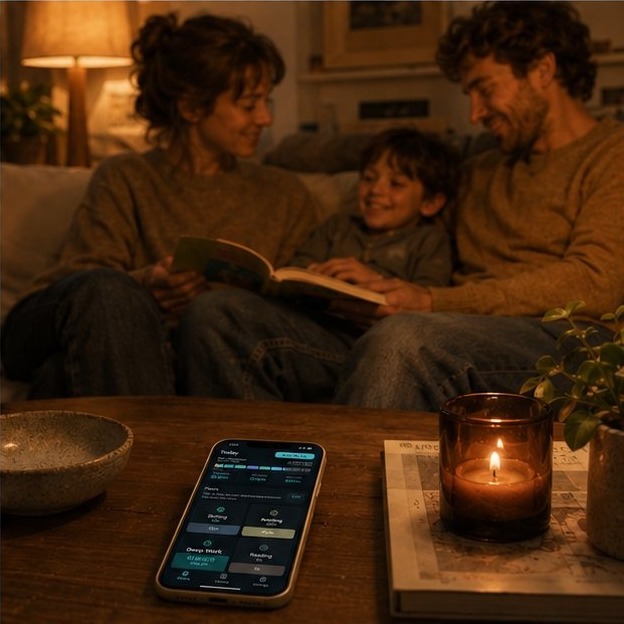
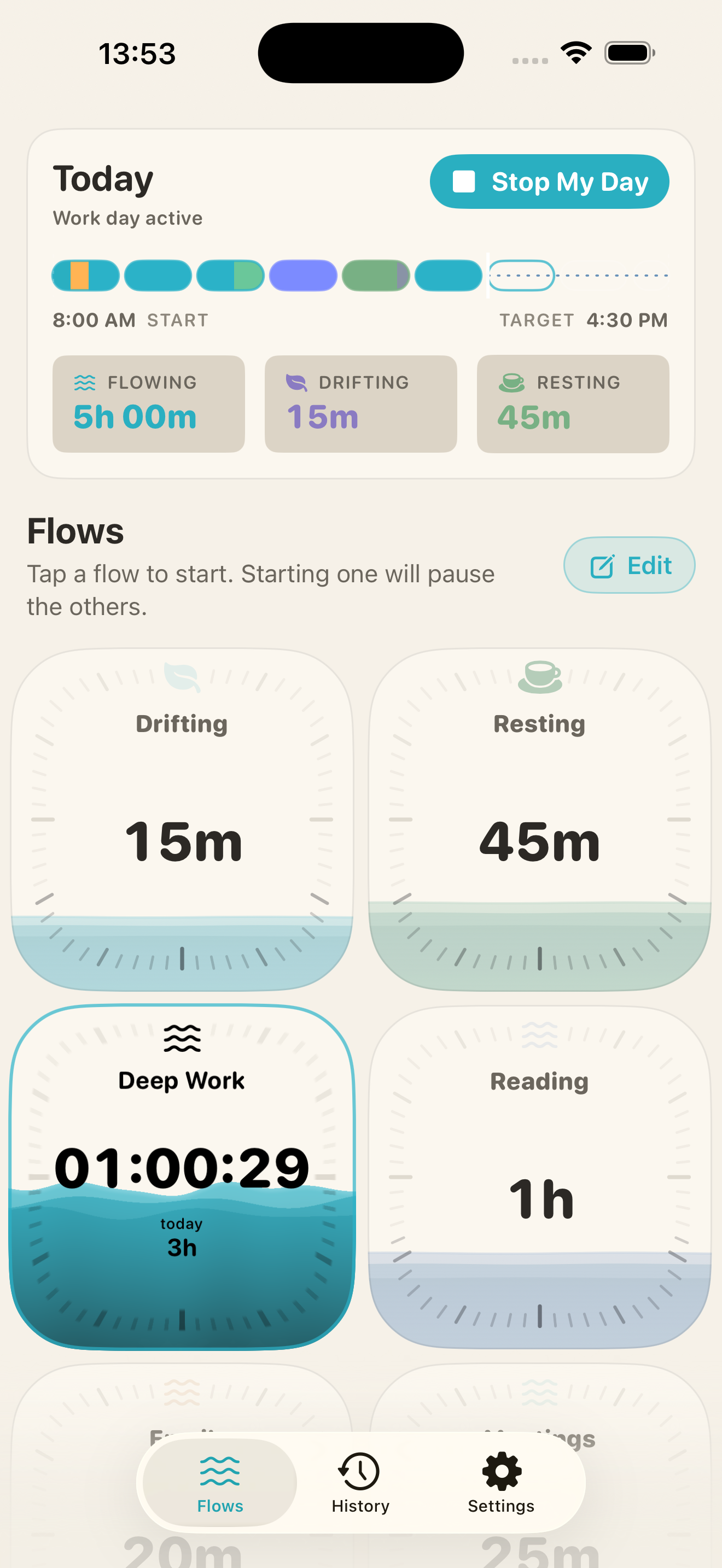
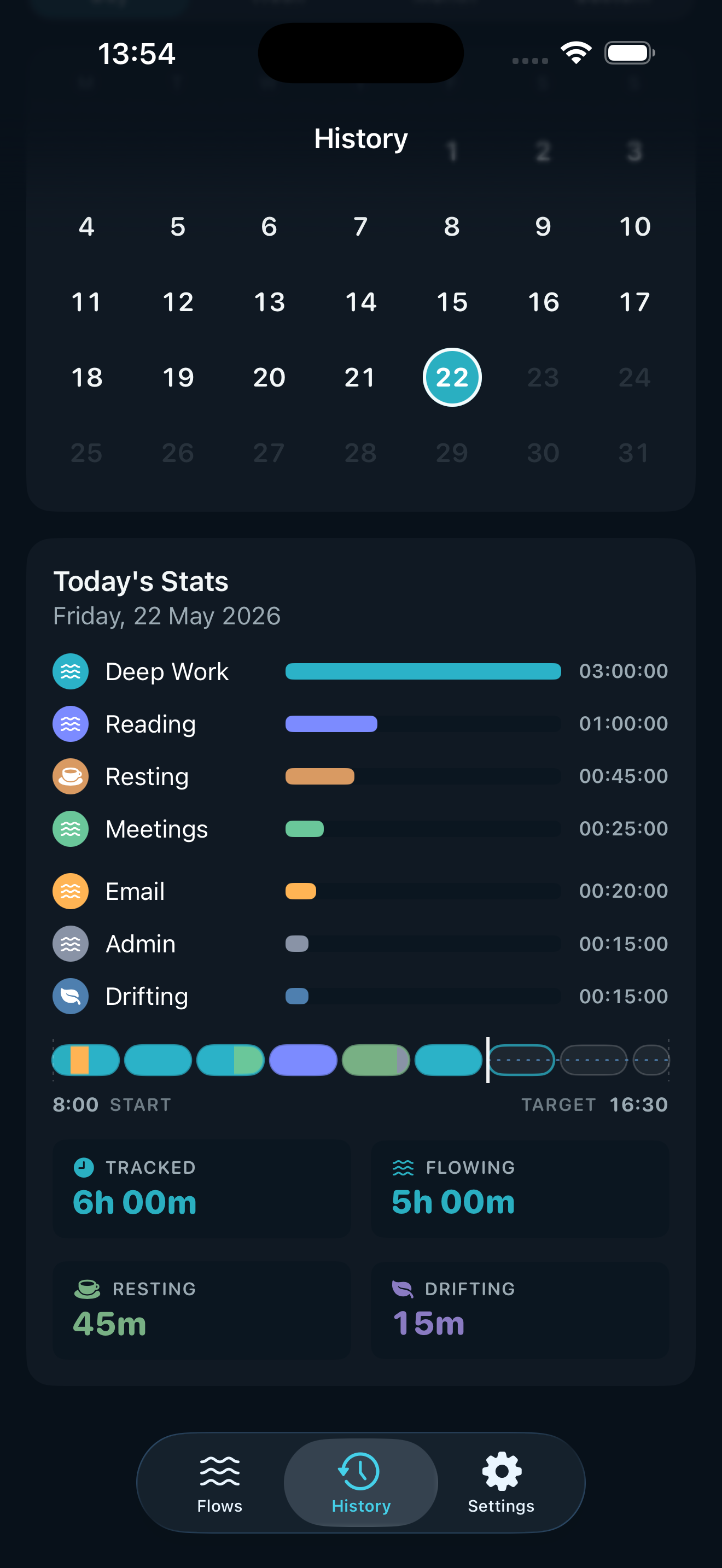
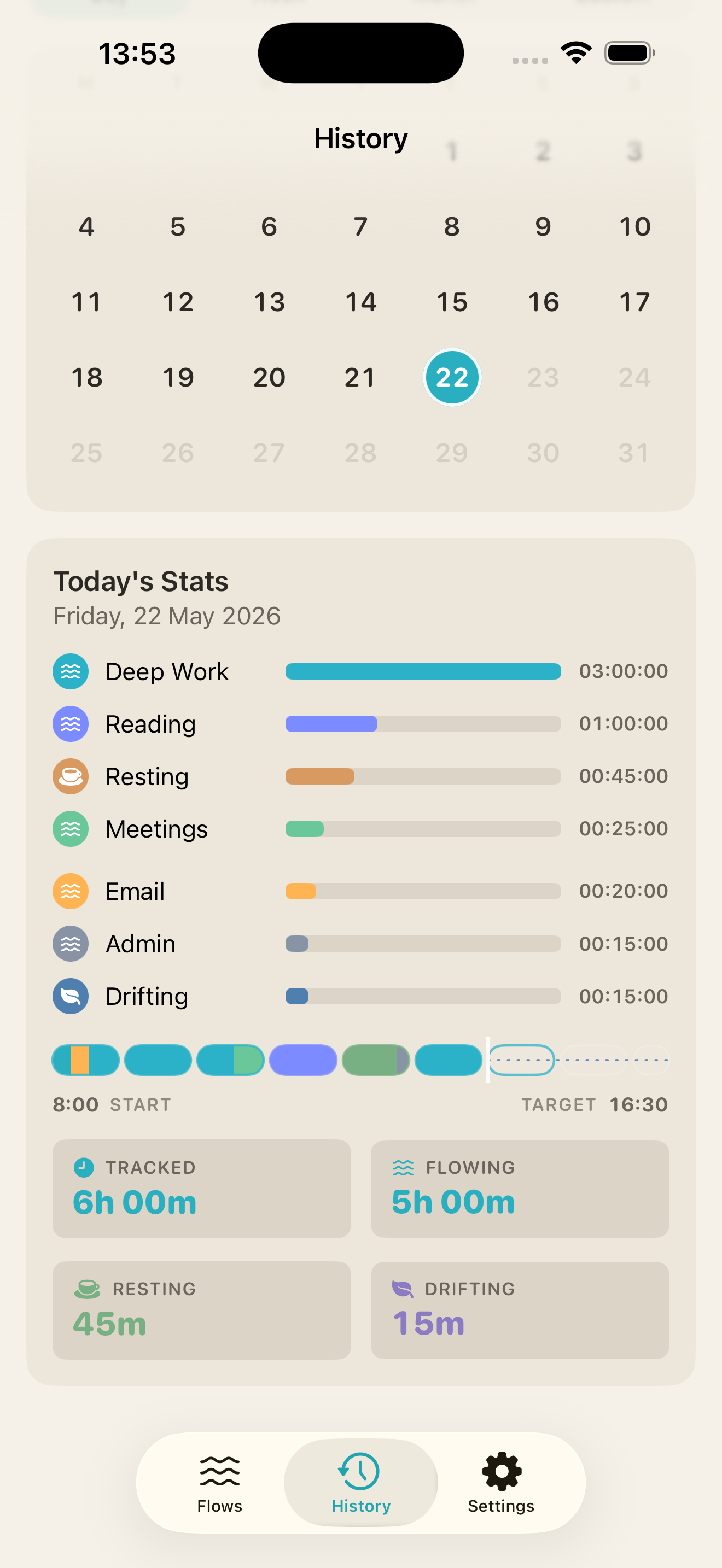
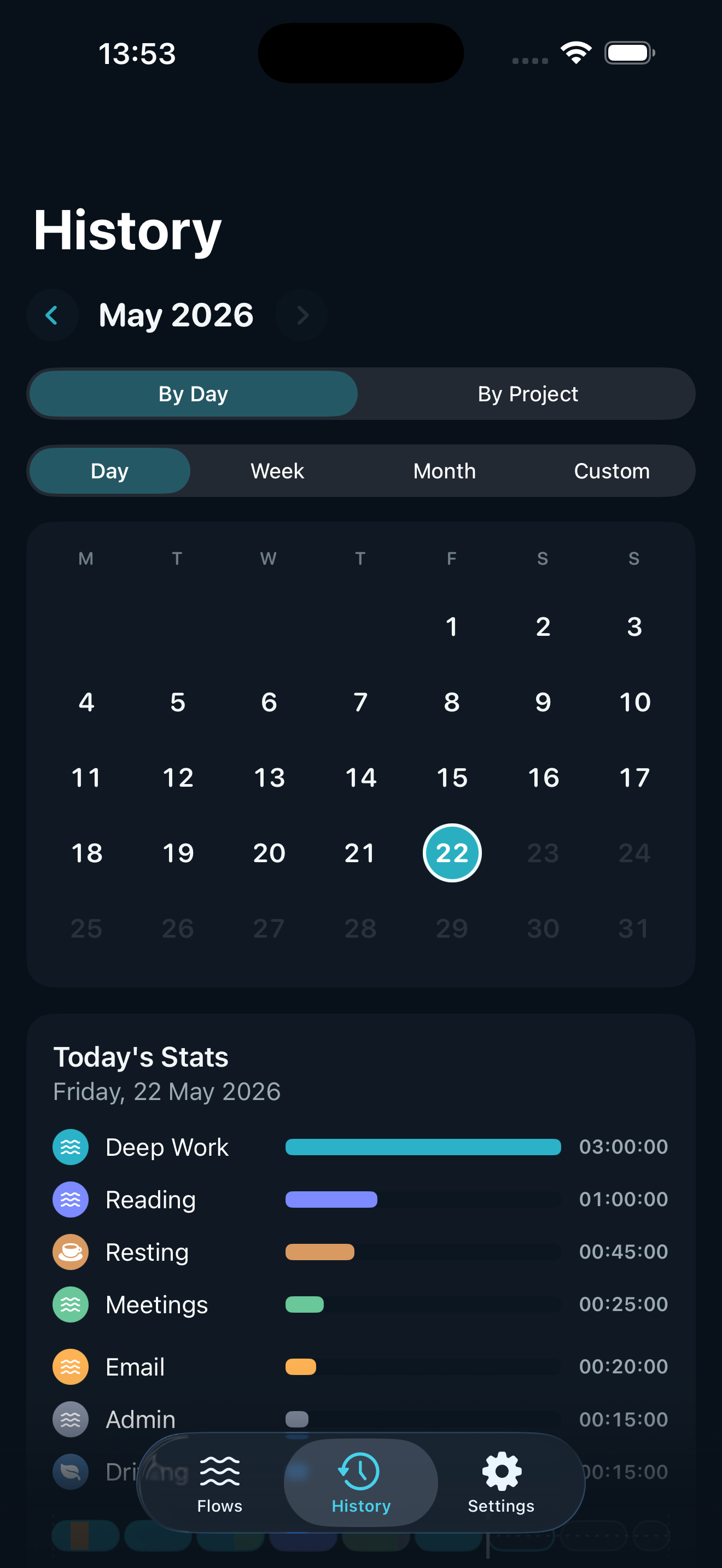
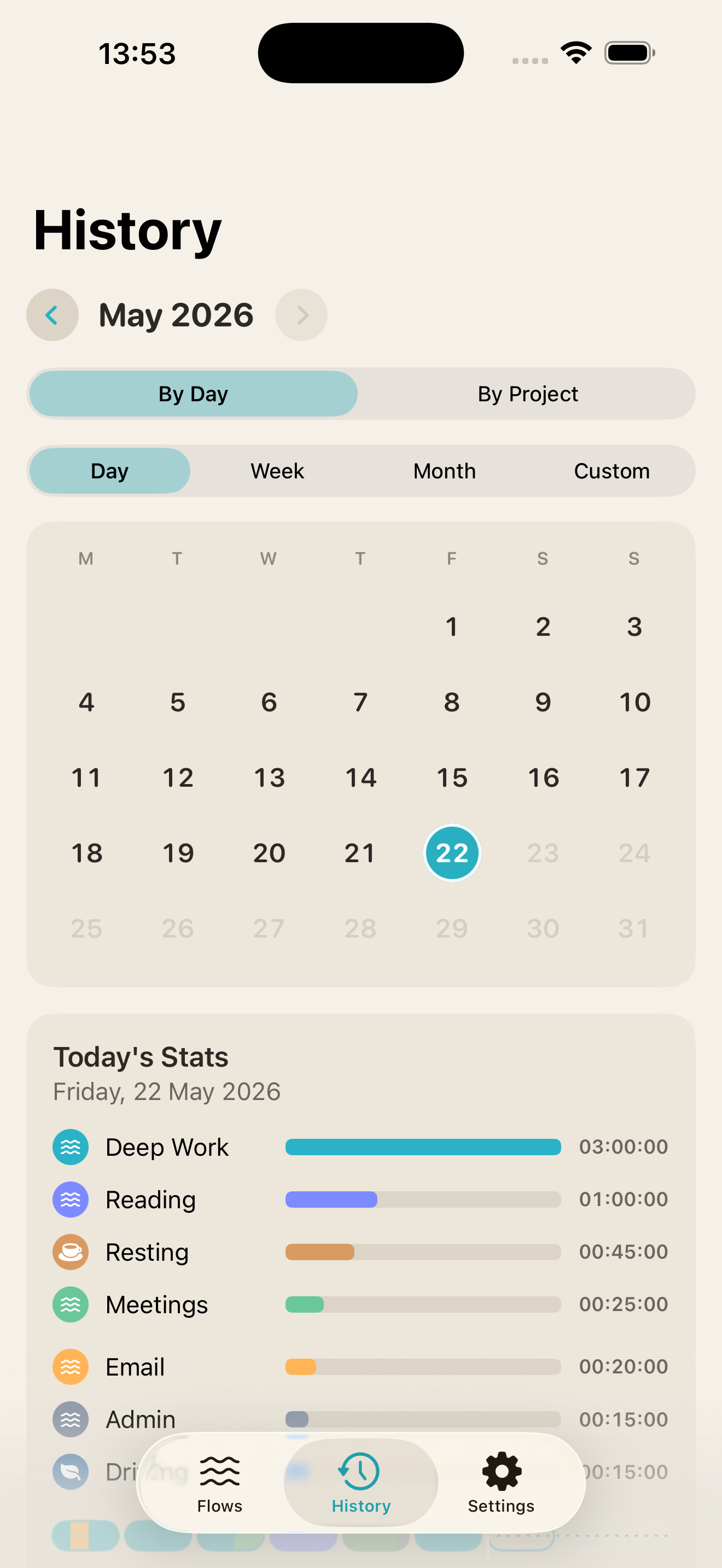
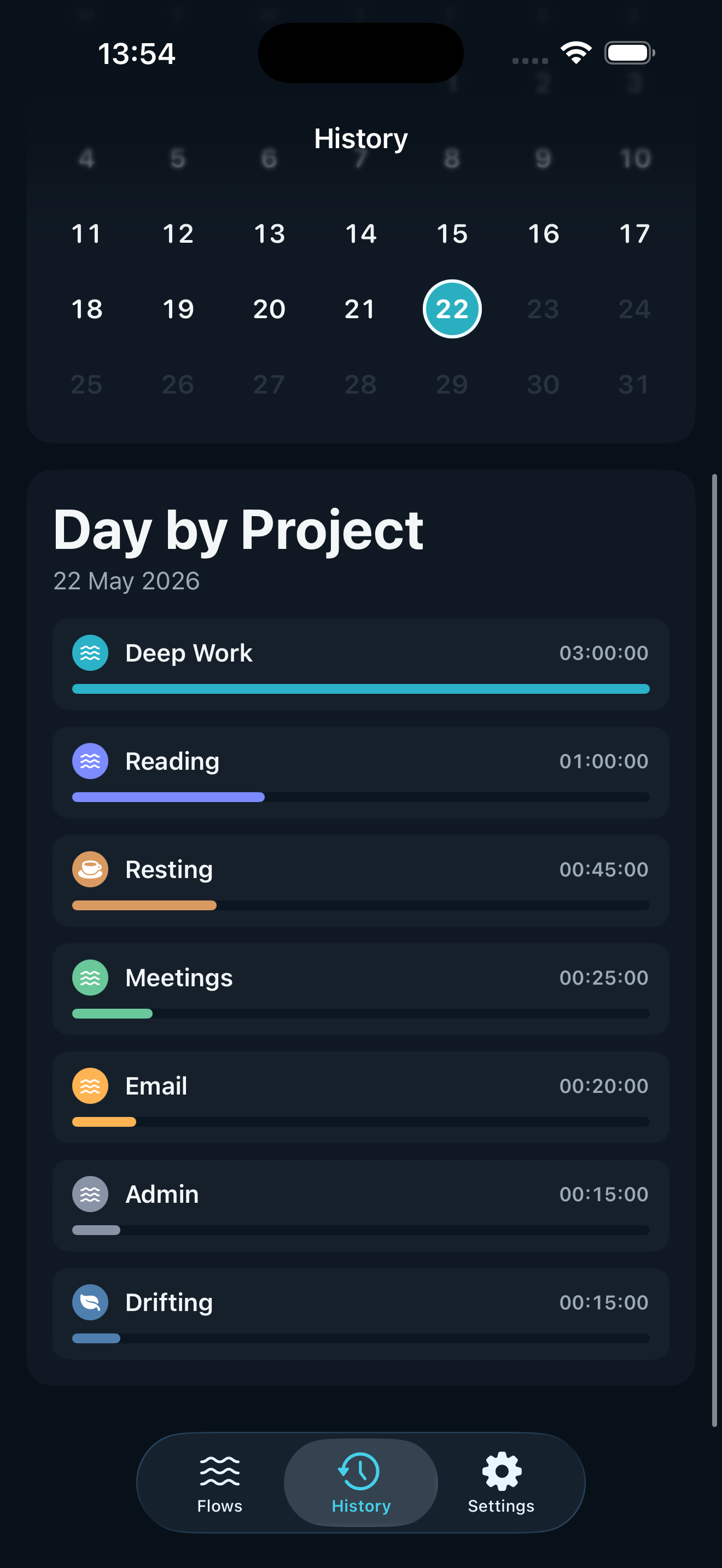
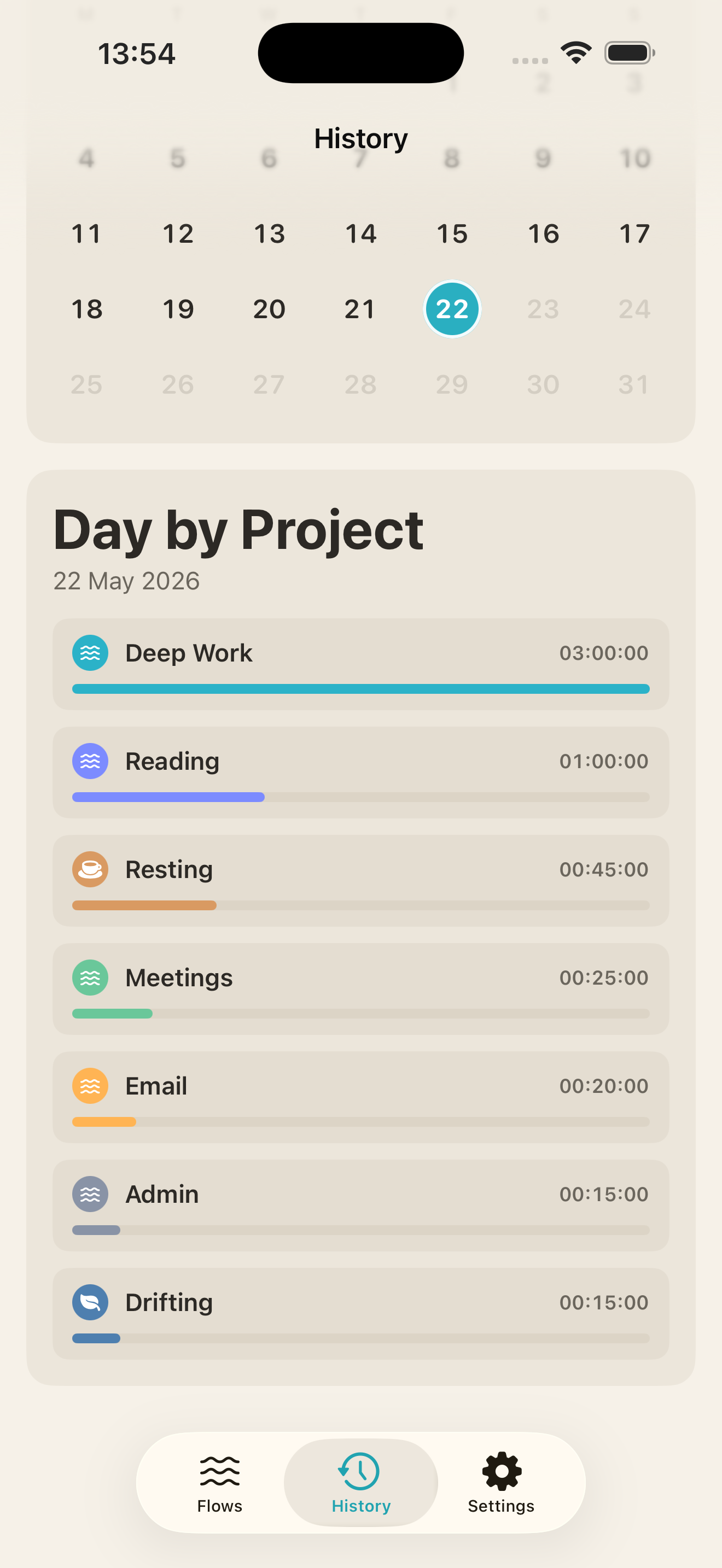
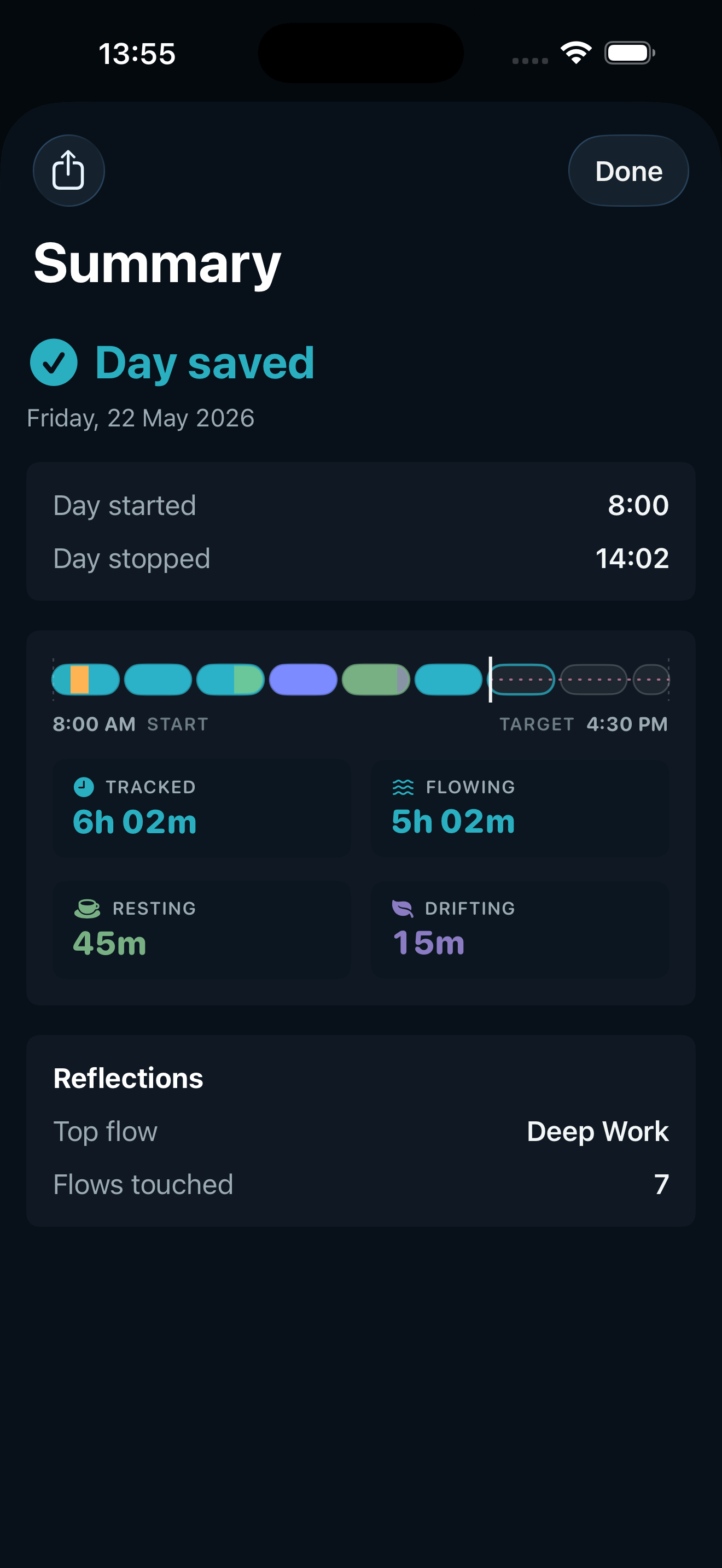
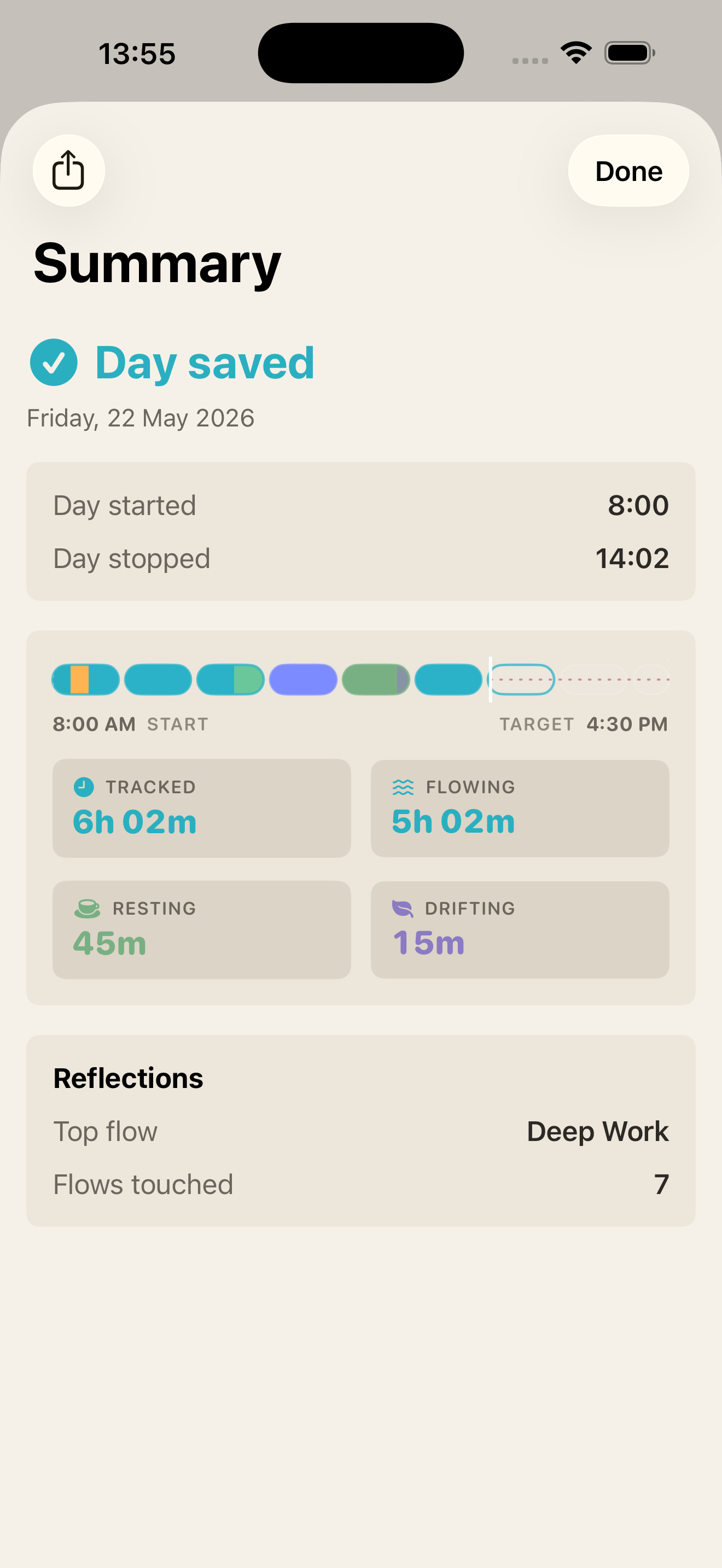
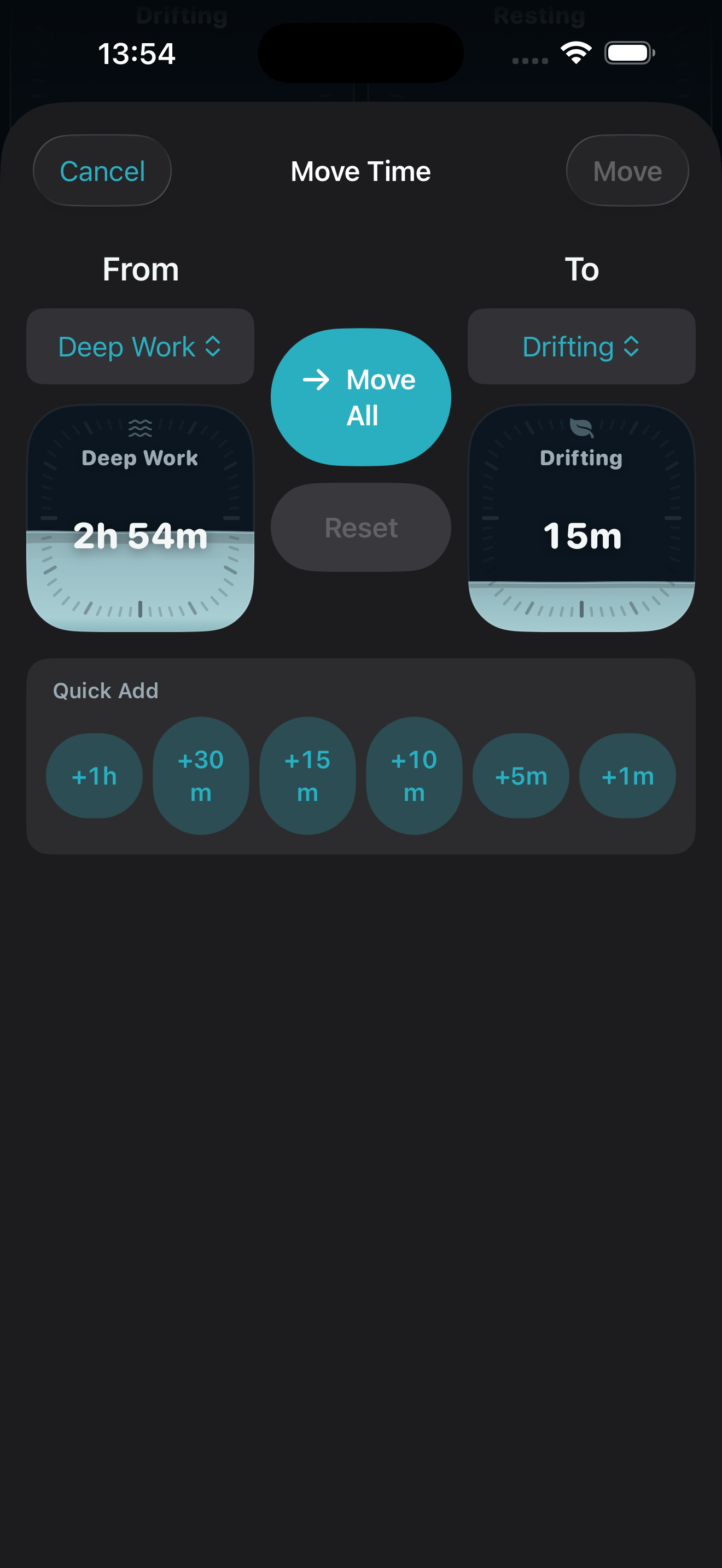
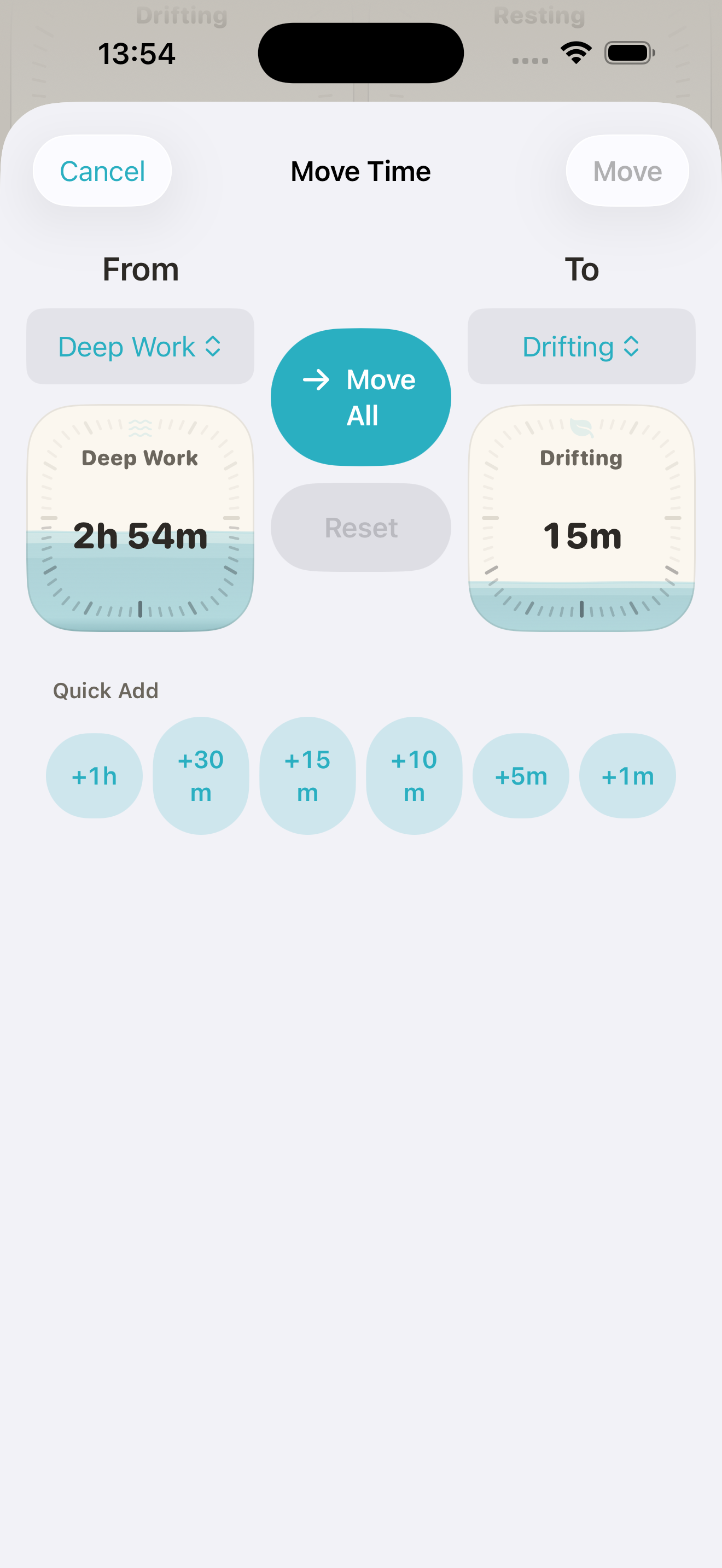
App screenshots
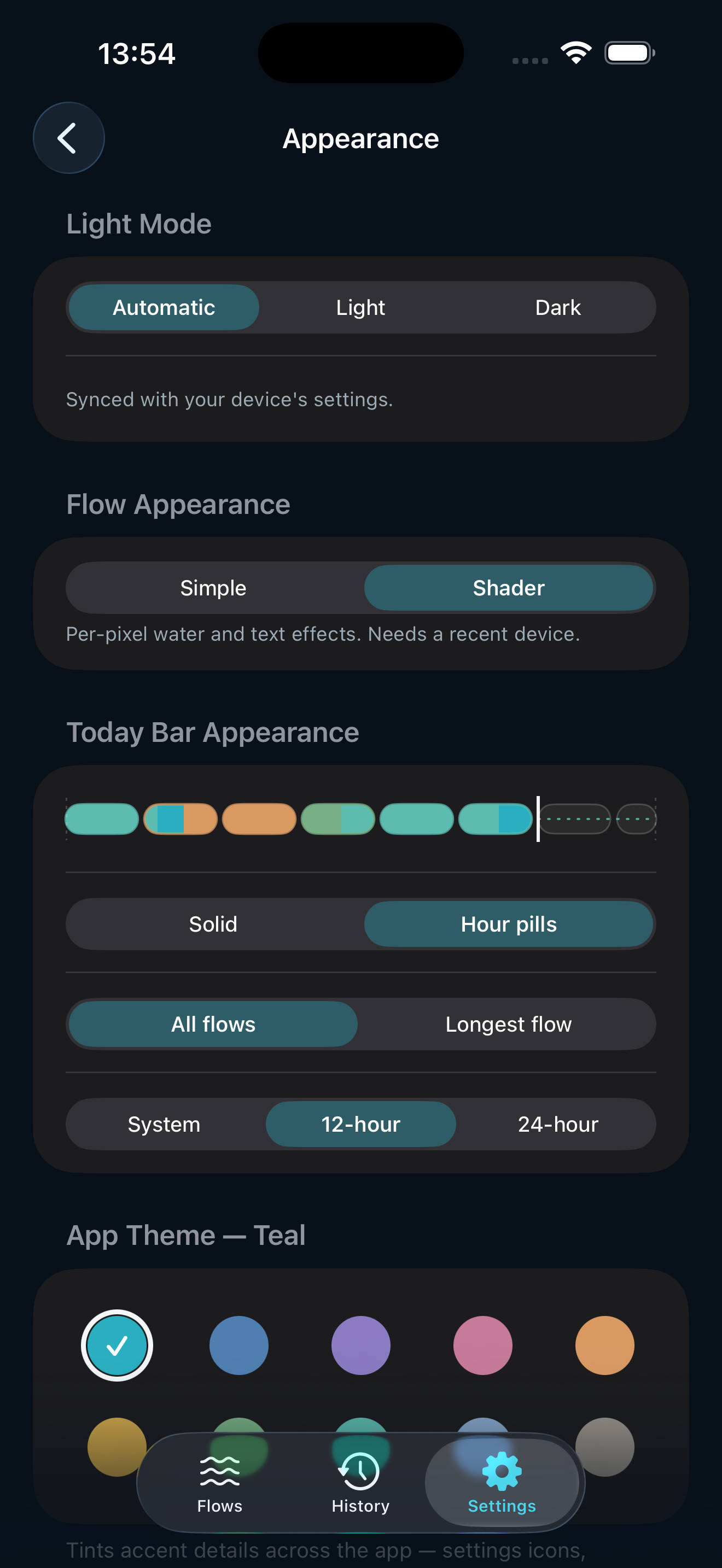
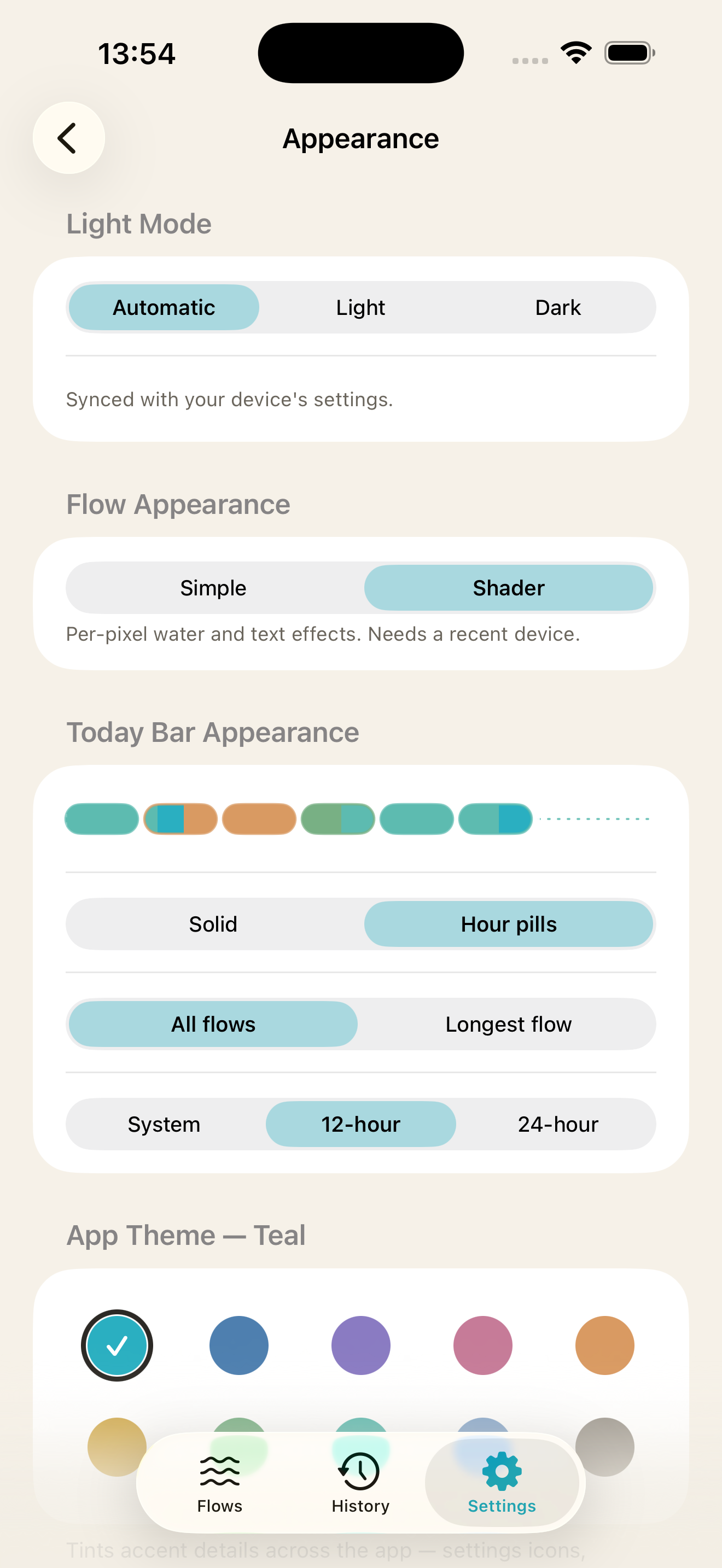
Screen-only PNG exports at 2× resolution (660 × 1434 px). Dark and light variants provided for each view.
Brand notes
Pronunciation. "Flows," like the verb. Lowercase in body copy; capitalised only as the first word of a sentence or as a proper noun.
The strapline is "Time flows. Know where.", two sentences, with the period between them. It is not "Time flows, know where," nor "Time flows; know where." The period is doing the rhythmic work.
Colour palette. The primary brand colour is the teal water tone from the app icon (#2BB2C8). The secondary is a deep near-black for the app background. Accent colours appear in flow cards and are user-defined; no fixed accent palette.
Voice. Plain, observational, and slightly understated. Flows describes; it does not motivate. Avoid productivity-vocabulary words like crush, optimise, unlock, maximise. Avoid wellness-vocabulary words like journey, mindful, intention (the app is mindful by design, but it doesn't need to say so).
About the team
Flows is a father-and-son team based in Leeds, United Kingdom. Paul Stanton is a product and AI leader with over two decades in the industry, working at the intersection of AI, platform experience, and design systems, with a background in user experience and accessibility shaped in complex public-sector delivery. Joshua is his 15-year-old son and the developer on the team, currently studying for his GCSEs alongside the work. Flows is the first real product he's shipped. The two of them work on it together around school and life.
We got tired of time trackers that shame you for living a real day, so we built one that doesn't. No VC, no growth team, no roadmap meetings. Just an app we use ourselves, built with care and in public.
Press contact
Paul (founder)
hello@flowsapp.io
Interviews with Paul or Joshua are available on request. For high-resolution assets or anything else not in this kit, email hello@flowsapp.io and we'll respond within a day.